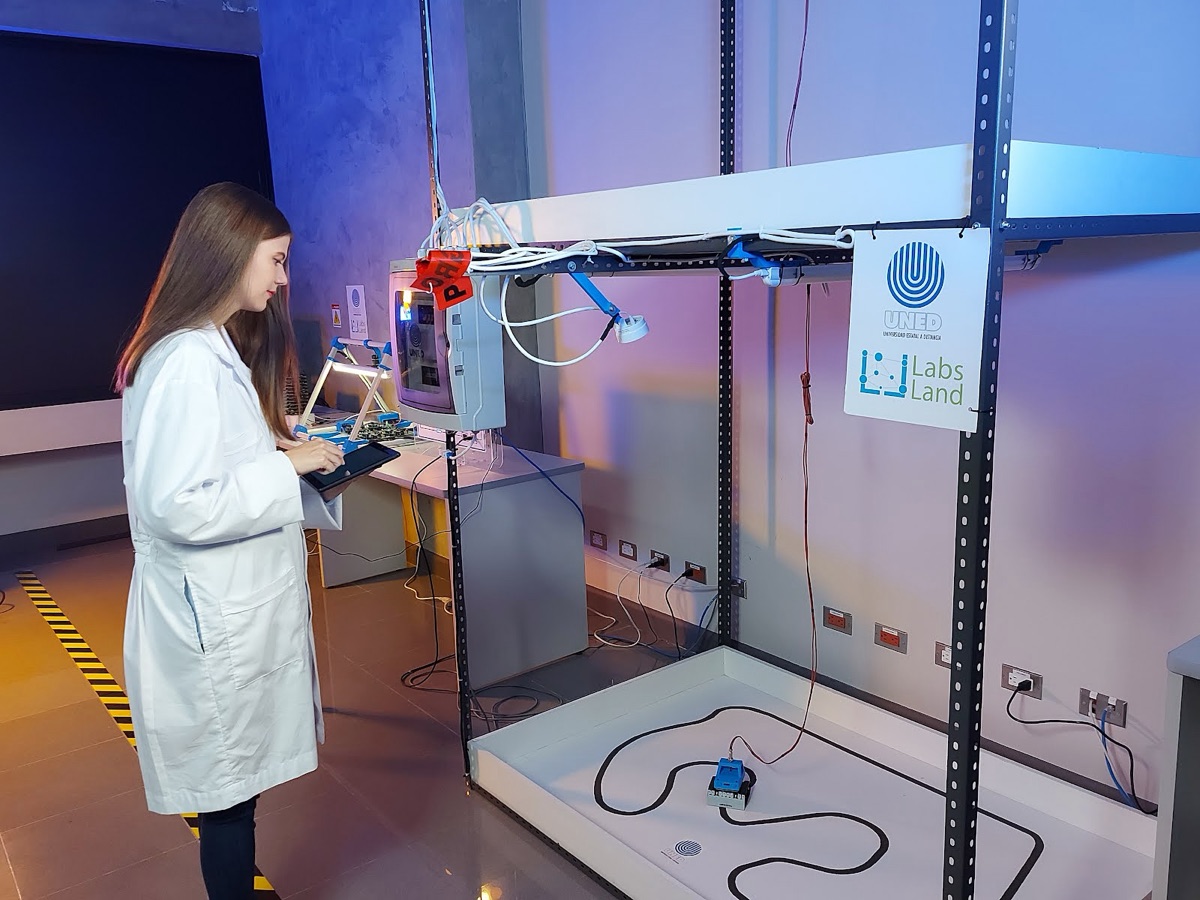
Physische Fernlabor-Ausstattung für Kurse, Weiterbildung und Präsentationen.
Kaufen, hosten oder beauftragen Sie LabsLand-kompatible Fernlabor-Stationen, wenn Ihr Programm echte Boards, Instrumente, Kameras, Zugangskontrolle und Arbeitsabläufe im Browser braucht.
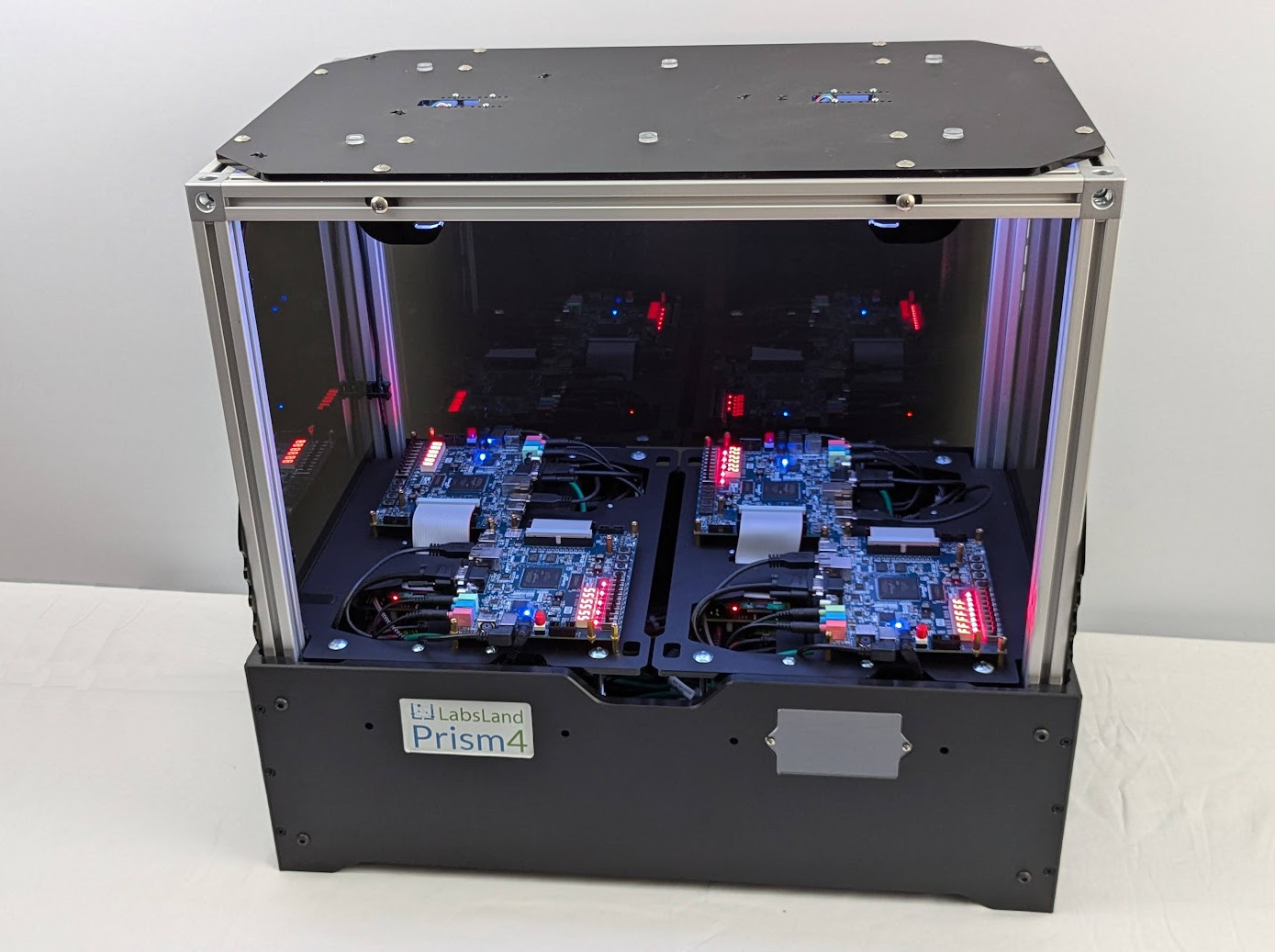
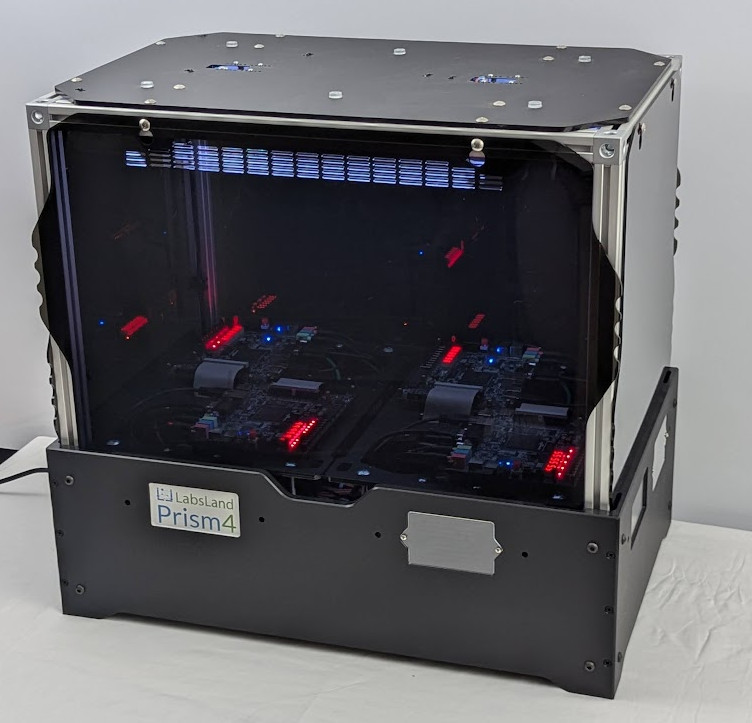
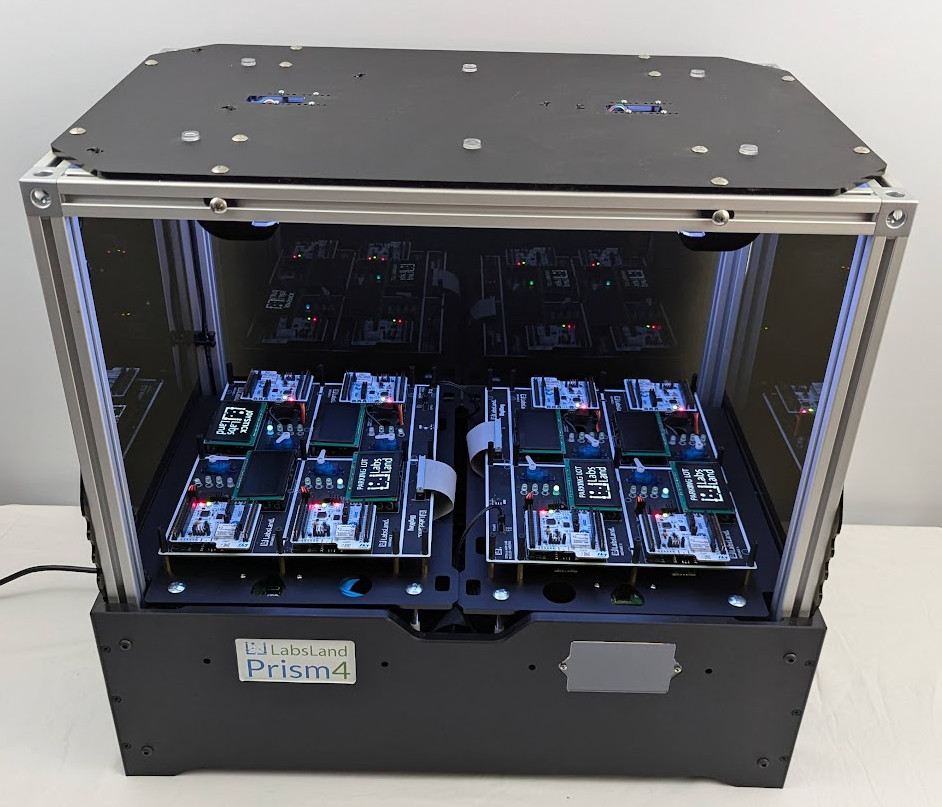
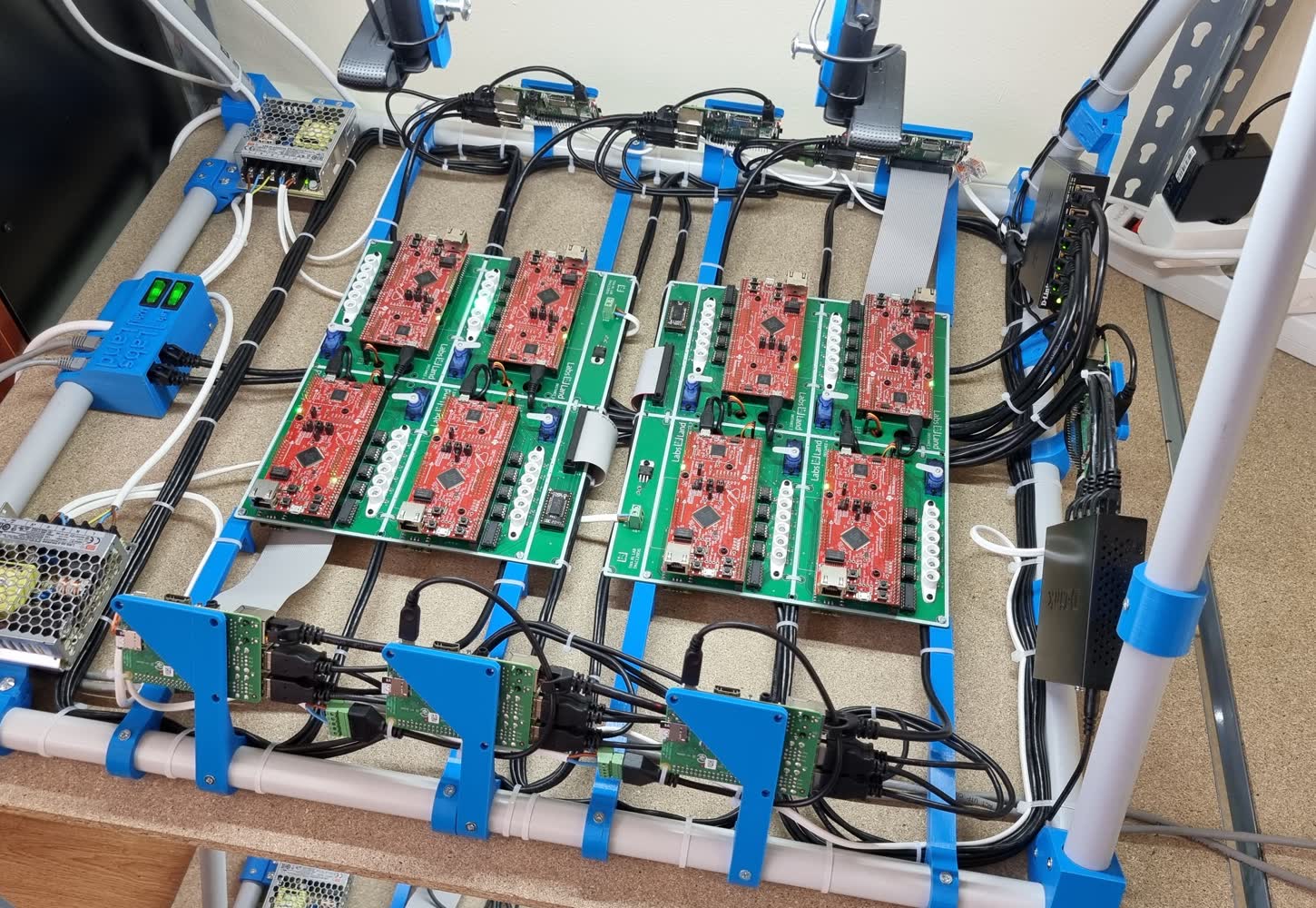
Die FPGA- und STM32-Stationen unten setzen auf LabsLands Prism4 auf — ein modulares Gehäuse mit Kameras, Beleuchtung, Steuerungen und Netzwerk-Switches, gemeinsam mit DigiKey entwickelt. Jede Station besteht aus einem Prism4 plus einem board-spezifischen Kit.
LabsLand unterstützt Einrichtungen und Partner, die konkrete Hardware brauchen und nicht nur den üblichen Fernzugriff. Diese Stationen verbinden Geräte, Kameras, Software, Zugangskontrolle und Unterstützung beim Einsatz im Unterricht.
Prism4-Gehäuse (LPEQ0002) mit dem DE1-SoC-Kit (LPEQ0003): Montageplatten, ADALM2000-Oszilloskop mit Multiplex-Platine sowie VGA-, Audio- und GPIO-Controller
Ausgelegt auf mehrere DE1-SoC-Boards für den gemeinsamen Zugang im Kurs
Geeignet für Kurse in Digitaltechnik, VHDL, Verilog, SystemVerilog und Technischer Informatik
Hardware nützt nur, wenn der Ablauf im Kurs funktioniert.
Ein Hardware-Gespräch sollte die Station, das Erlebnis im Browser, die Verantwortung fürs Hosting, die Nutzung im Kurs und die Frage umfassen, ob Studierende von LabsLand gehostete Labore oder eine eigene Installation nutzen.
Physischer Laboraufbau
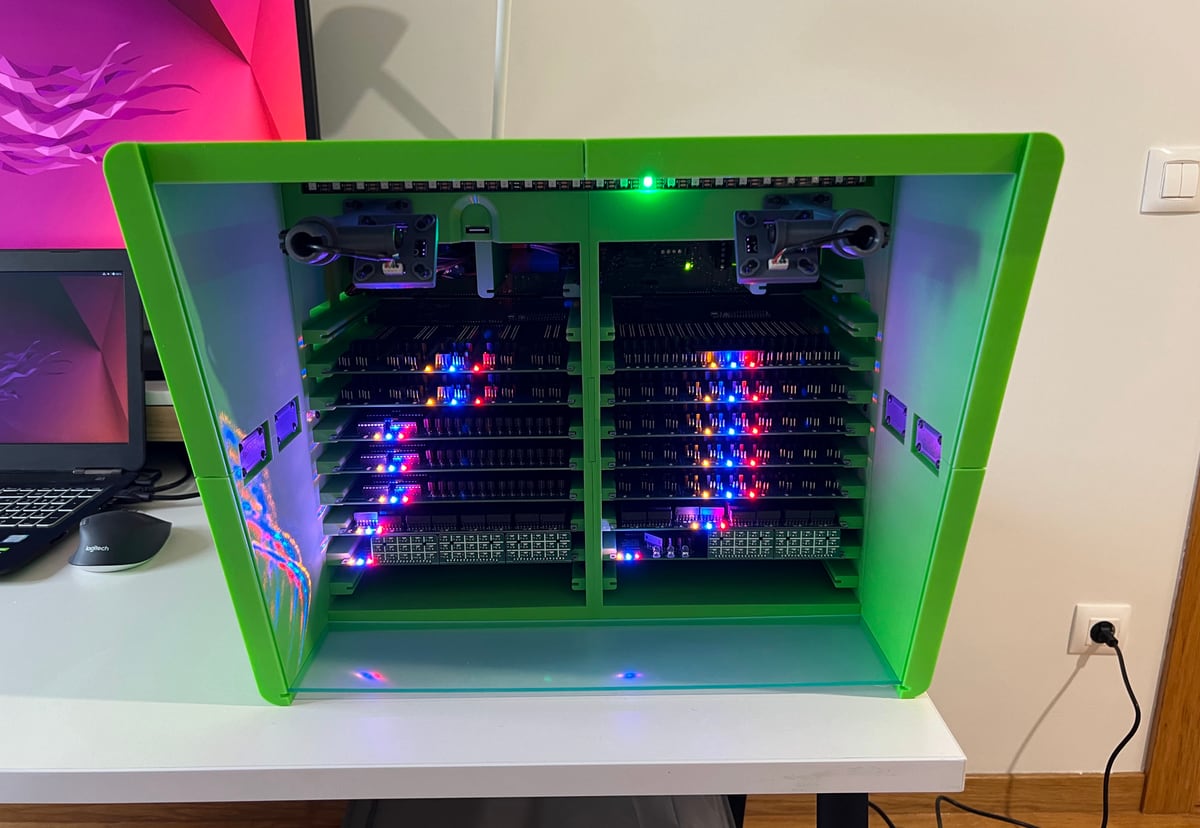
Ein kameratauglicher Aufbau für gleichmäßiges Licht, kontrollierte Blickwinkel, Board-Halterungen, Instrumente, Verkabelung und den sicheren Einsatz im Unterricht.
Software für den Fernzugriff
Laboroberflächen im Browser, Warteschlangen, Sitzungen, Zugangsregeln und die Integration in die Kurs- und Einrichtungsabläufe von LabsLand.
Unterstützung beim Einsatz im Kurs
Hilfe bei der Entscheidung, ob die Geräte von LabsLand oder der Einrichtung gehostet oder als Partner-Showcase genutzt werden.
Wege zur Umsetzung
Drei Wege, die Hardware von LabsLand zu nutzen.
01
Fernlabor-Ausstattung kaufen oder beauftragen
Für Einrichtungen mit eigener physischer Installation bespricht LabsLand Aufbau, Software, Dokumentation und den Weg zur Inbetriebnahme.
02
Von LabsLand gehostete Geräte nutzen
Für viele Kurse ist es weiterhin am schnellsten, den Zugang zum LabsLand-Katalog zu lizenzieren, statt eine eigene Station aufzubauen.
03
Ein Board oder eine Plattform präsentieren
Für Hardware-Unternehmen und Partner können ausgewählte Geräte zu Browser-Demos für Schulung, Werbung oder Ökosystemprogramme werden.
Brauchen Sie eine Fernlabor-Station oder ein Hardware-Demoprogramm?
Sagen Sie uns, welche Geräte, welche Zielgruppe und welche Kursvorgaben es gibt und ob Sie Hardware bei LabsLand oder in der eigenen Einrichtung bevorzugen.