Choose a programming workflow
Choose C and assembly for low-level control, or Mbed for embedded software and connected-device projects.
STM32 microcontroller labs
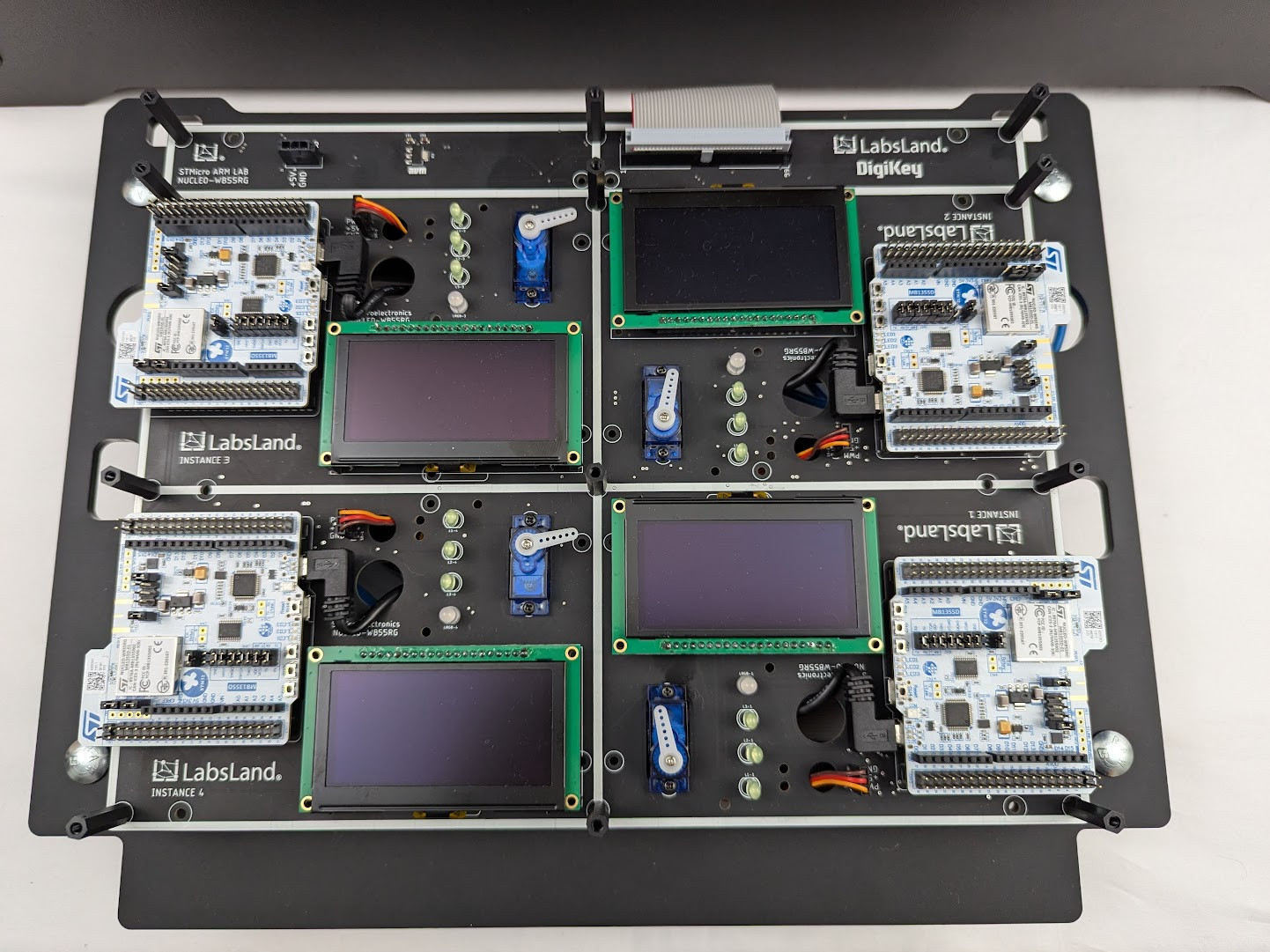
Explore real STM32 hardware for register-level programming, embedded software, and connected-device projects.
Audience
Choose low-level C and assembly or an Mbed workflow, try the corresponding demo, and explore access for your course.
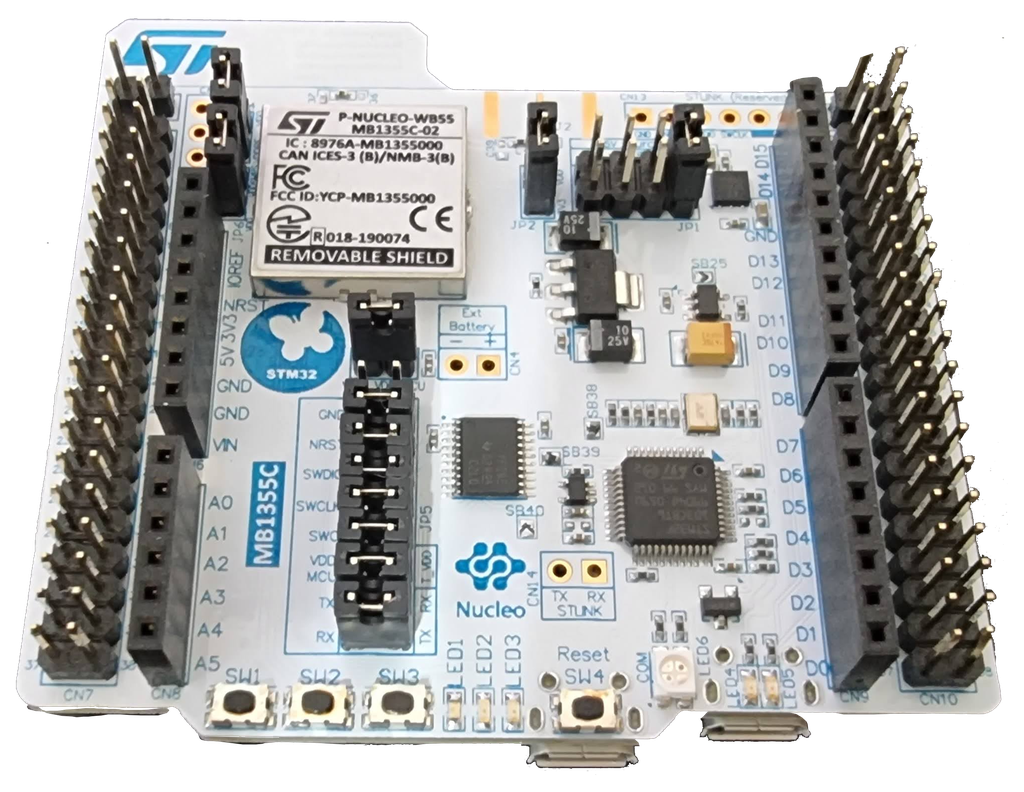
Program real STM32 boards with register-level C or assembly, or upload a compiled program to test it on hardware.
For embedded software, rapid prototyping, IoT, and higher-level workflows where the Mbed demo is a useful first proof.
Demo path
Choose C and assembly for low-level control, or Mbed for embedded software and connected-device projects.
Open the demo from your chosen page and observe how the physical board responds through its live camera.
Explore laboratory resources and discuss the boards, peripherals, and access your students need.
Use the workflow that fits your course: low-level C and assembly or Mbed-based embedded software.
Try a physical STM32 board remotely before planning access for your students.
Discuss the board, peripherals, programming language, and class size for a course trial.
Choosing your lab
Use the low-level path when the course outcome is register-level control, assembly, toolchain work, or upload-only board access. Use the Mbed path when the value is embedded software, IoT, fast prototyping, and a visible hardware interaction.
Related labs
Explore the equipment, experiments, resources, and access options for each laboratory.
LabsLand ARM Community
Programmieren Sie einen echten ARM-Mikrocontroller mit Peripheriegeräten und Energiesparmodi. Verwenden Sie eine Online-IDE.
Labor ansehenLabsLand
Programmieren Sie einen echten ARM-Mikrocontroller mit Peripheriegeräten und Energiesparmodi mit einer Online-Mbed-IDE.
Labor ansehen
LabsLand ARM Community
Programmieren Sie einen echten ARM-Mikrocontroller mit Peripheriegeräten und Energiesparmodi. Binärdatei hochladen.
Labor ansehenUse this route when the course needs low-level C, assembly, direct upload, or no-library workflows.
Use this route for embedded software, IoT, and higher-level Mbed workflows.