1
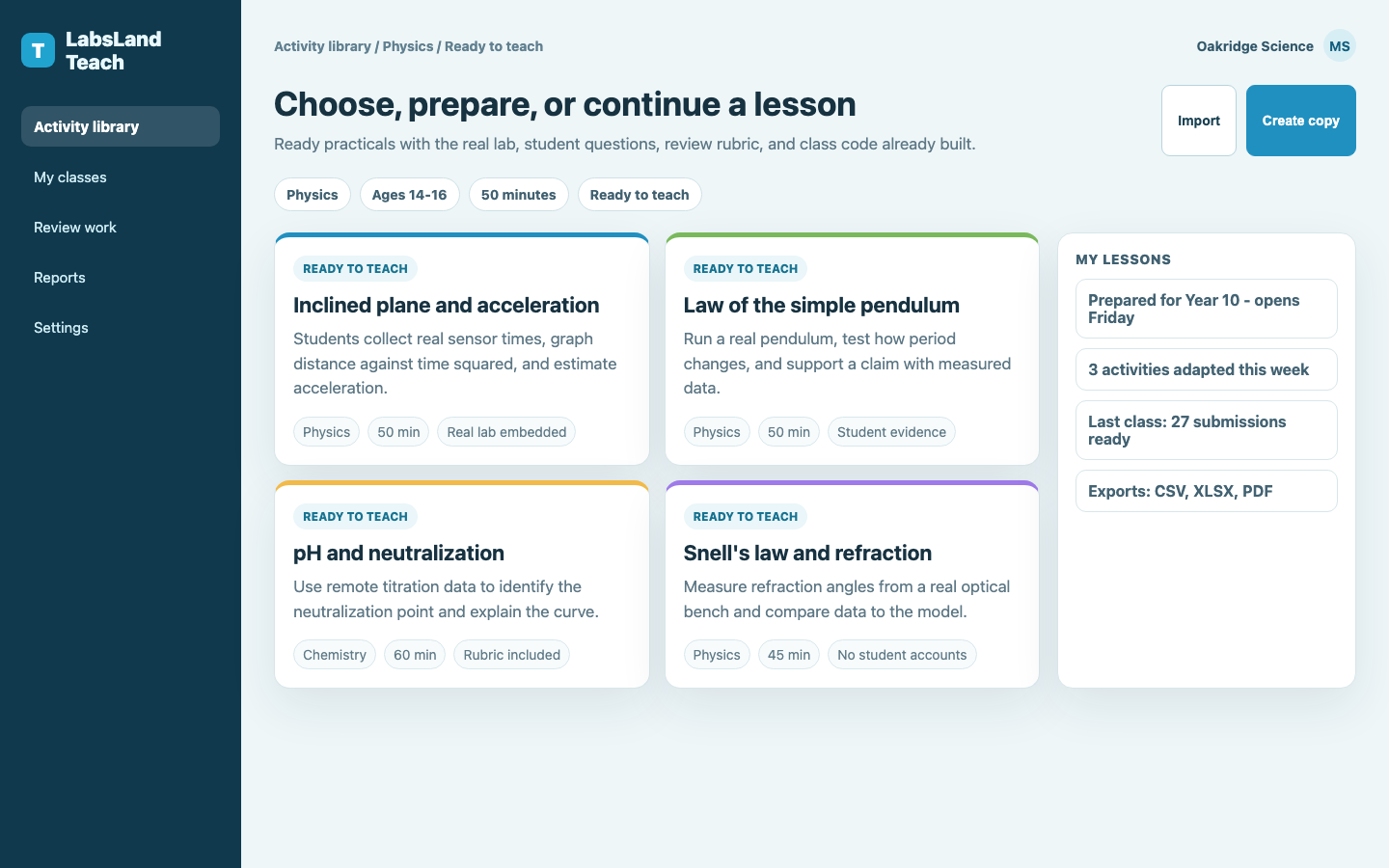
Choose an activity
Browse ready practicals by subject, level, and duration.
For schools
Pick a ready activity, share a code, and your students run real equipment from their own devices. They submit their work in Teach, and you review the evidence in one place.
Your class does something real
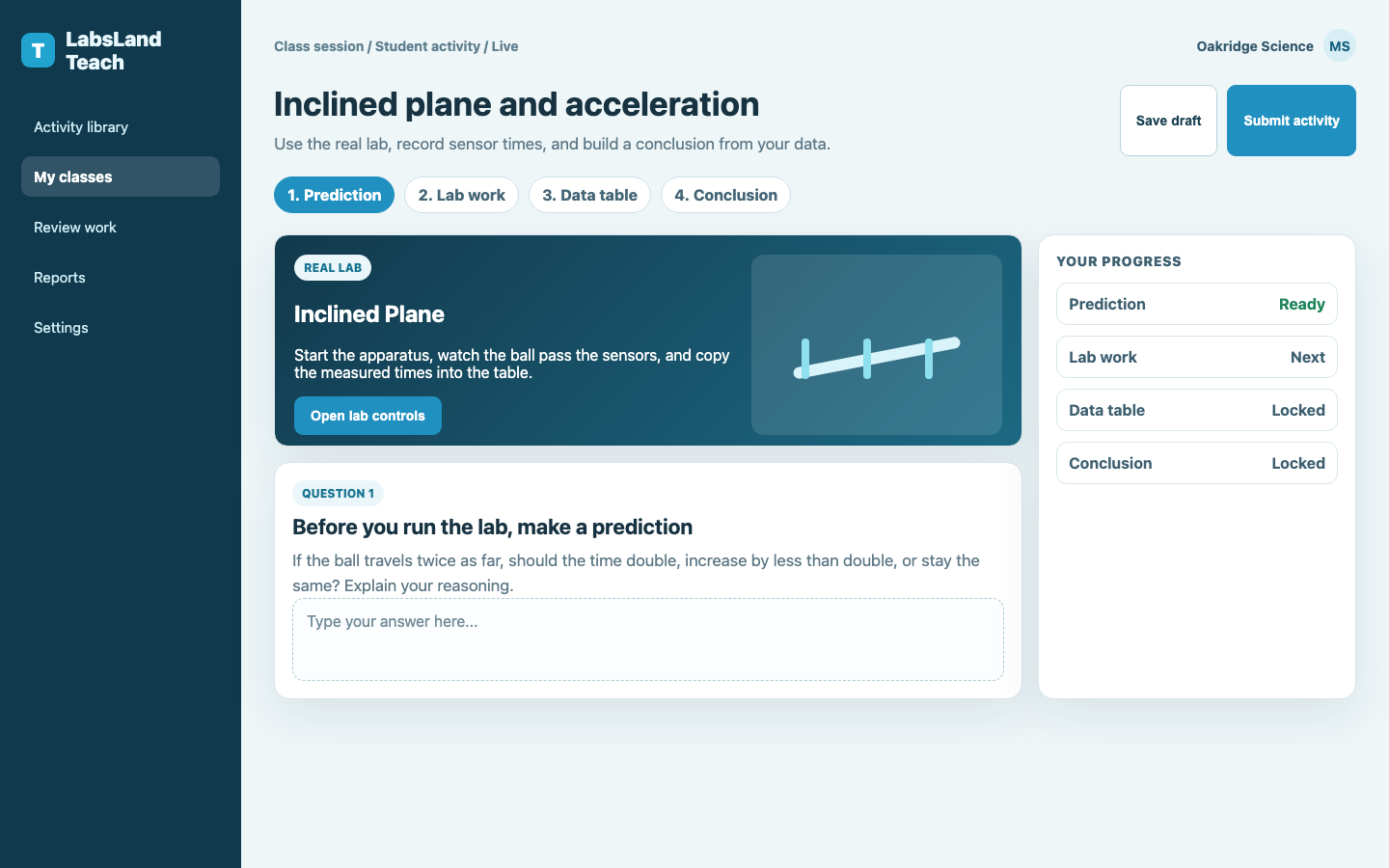
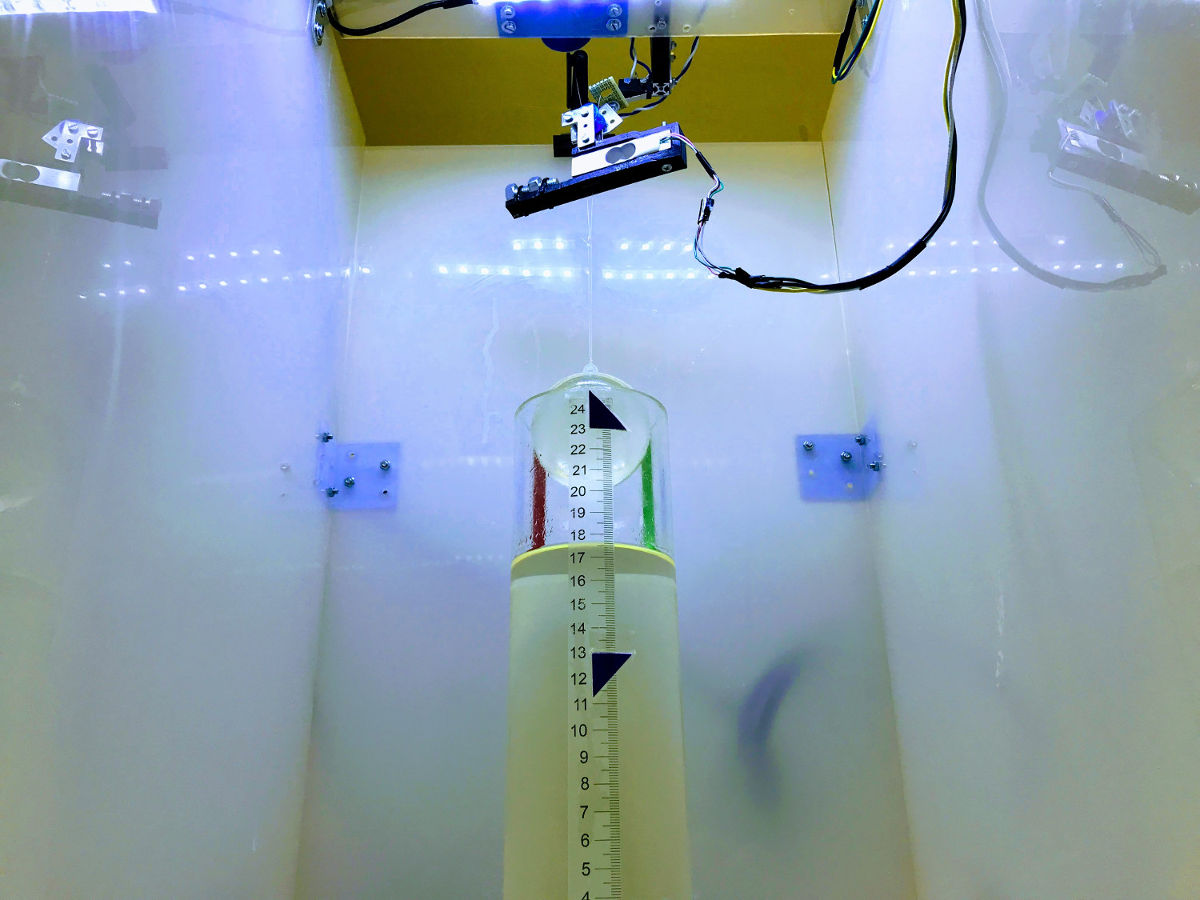
Students open the real lab right inside the activity and watch it respond: a pendulum swinging, a beaker titrating, then record what actually happens. It feels like a lab because it is one.
You do less prep
No lesson to write, no slides, no lab to book. Every activity arrives finished, and you can still add a hint or tweak the wording if you want to.
In every activity
Worth showing off
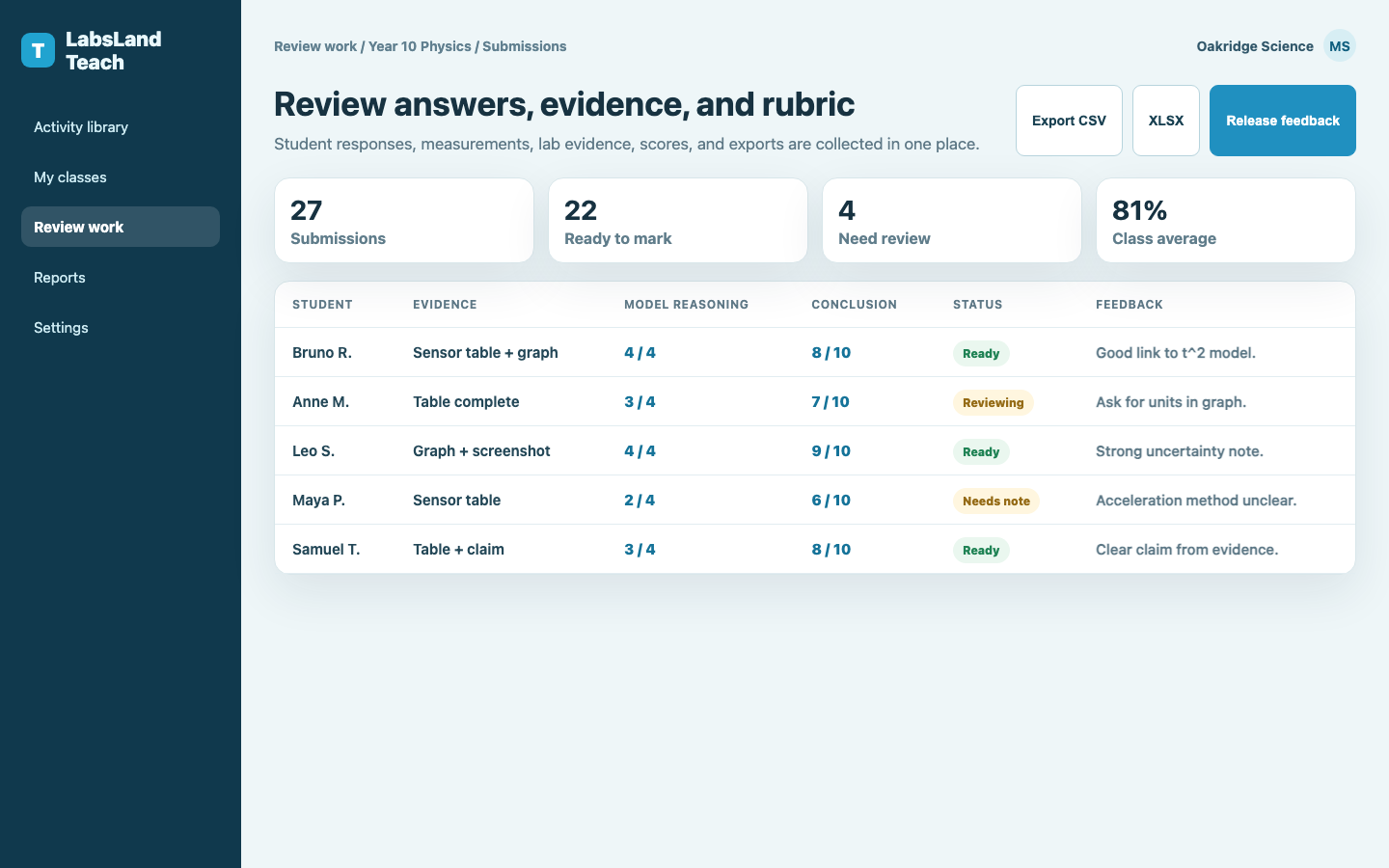
Every student's answers, measurements, and conclusion land in one place. Mark them, release feedback, and export the evidence: a real, modern, hands-on practical your class actually completed.
Three steps
Browse ready practicals by subject, level, and duration.
Students join from any device and run the real lab. No accounts.
See answers, data, and conclusions. Mark and give feedback.
Ready to open
Each one is built, checked, and waiting: pick it this period, run it next.
Secondary (ages 15–16) · 55 min
High school physics / upper secondary · 65 min
Secondary (ages 15–18) · 70 min
High school chemistry / upper secondary science · 60 min
Secondary (ages 14–17) · 45 min
High school physics · 55 min
Trusted infrastructure
The same real laboratories used for hands-on practical work, now packaged as ready lessons you can open with your class.
More than lab access
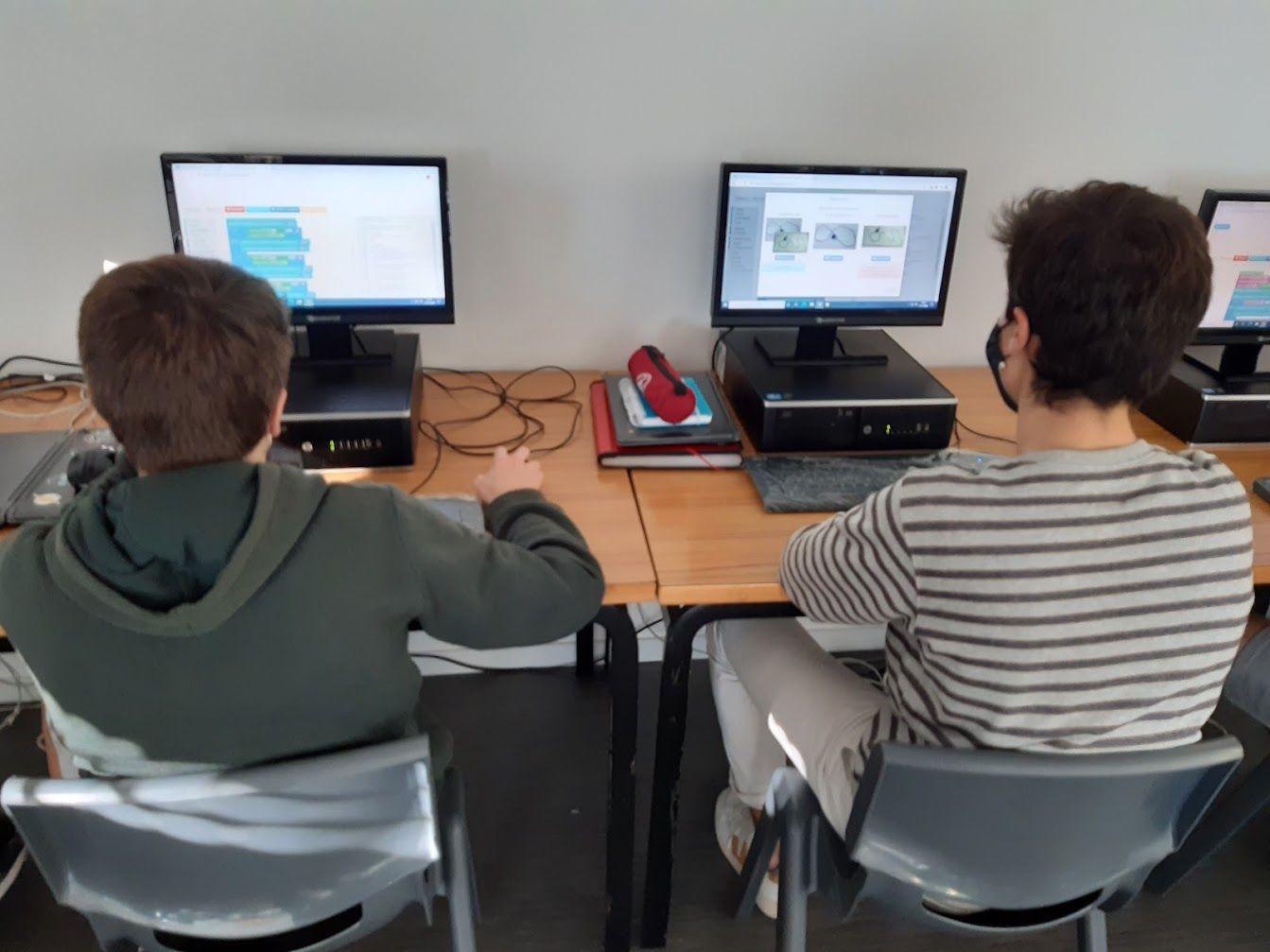
Standard LabsLand access gives students the real equipment. Teach adds the classroom layer around it: the instructions, questions, class code, submissions, and review flow.
Pricing
Free first class session
Prepare any activity for free. Open one real class session at no cost, with a 7-day student access window for joining, finishing, and submitting.
For your school
Roll Teach out across a department or whole school, with roles and support.
More class sessions
Need a few more sessions before a school plan? We can help.
Preparing activities is always free. A session is used only when you open an activity for students. Student access remains available for 7 days; after that, students cannot join, start new labs, or submit. Your review access stays.
Good to know
Real. Your students operate genuine equipment remotely and work with the actual measurements it produces, variability and all.
No. They join a class with a code or link, from any device. Nothing to install.
None. Just a browser. The apparatus lives in our labs; your class connects to it over the web.
Ready school activities across physics, chemistry, and biology, tagged by level from lower secondary through pre-university. Teaching at a university? Use the higher-ed Teach page.
Yes. Adjust the wording and add your own hints or local context. The core questions, rubric, and lab stay intact, so the activity keeps working.
Your first class session is free and works like a normal Teach session: students can join and submit for 7 days, and you can keep reviewing their work after it closes.
Students have 7 days from when you open the session for them. After that, they cannot join, start new labs, or submit, but your teacher review access stays.
The Teach landing pages are localized in every supported portal language. The Teach app currently serves Spanish activities in Spanish and intentionally uses English for other activity languages until more lesson translations are available.
Students can join with a class code, so the trial flow keeps data collection minimal. Institution plans follow LabsLand's privacy terms and the school's agreement.
Pick one now: it is already built. Share a code, let students work with real equipment, and review their evidence afterward.