Lesen LCAL0001
Intel FPGA Laboratories
Akses jarak jauh kepada 8 makmal disertakan:
Peralatannya sentiasa sebenar, bukan simulasi. Akses sekarang. Tidak perlu menunggu peralatan dihantar.
Makmal yang disertakan dalam lesen ini
 Boole Designer
 Digital Trainer
 FPGA Laboratory
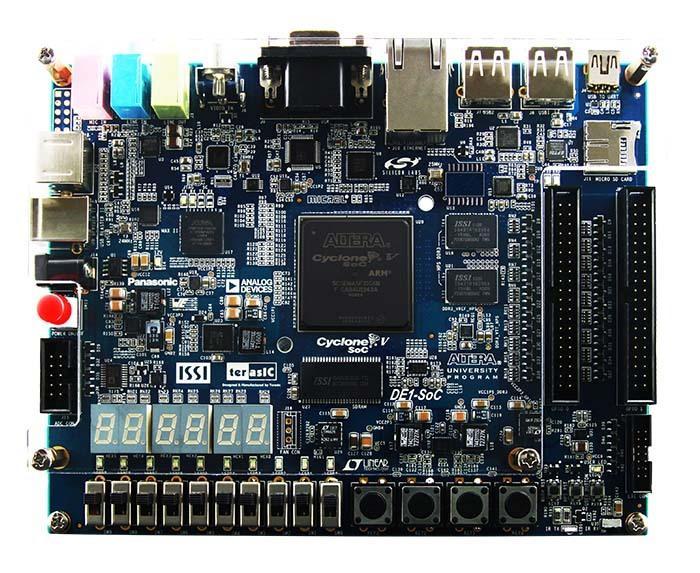 DE1-SoC
- DE1-SoC (muat naik binari)
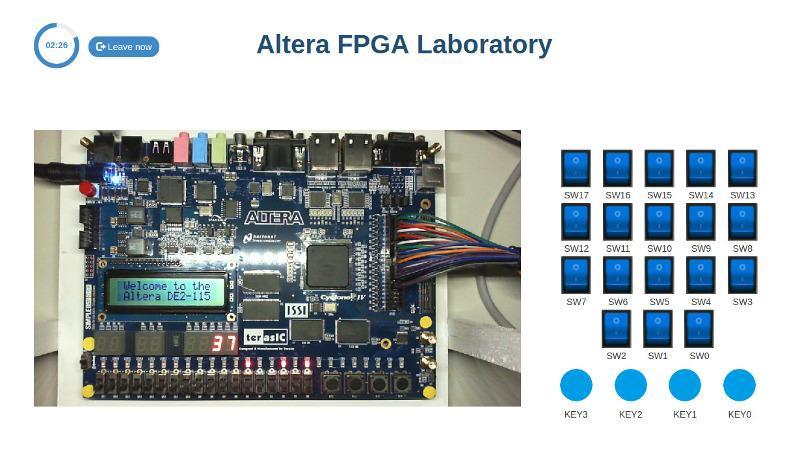
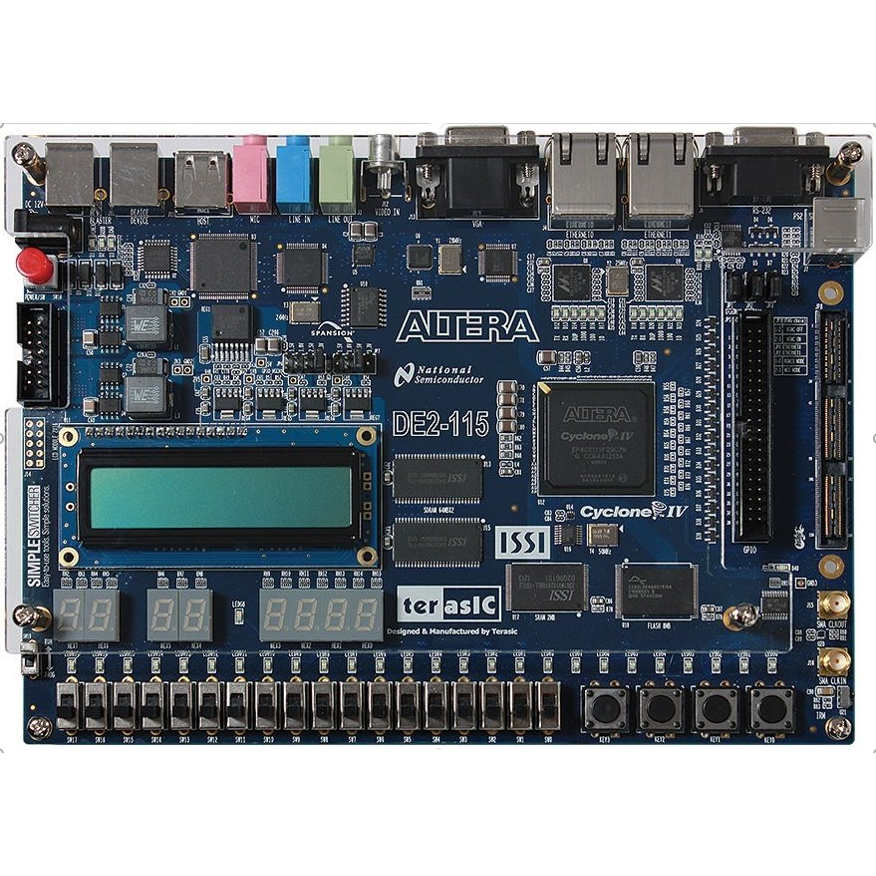 Altera DE2-115
- Intel DE2-115 (no IDE)
- DE1-SoC · Nios V
Bagaimanakah LabsLand berfungsi?
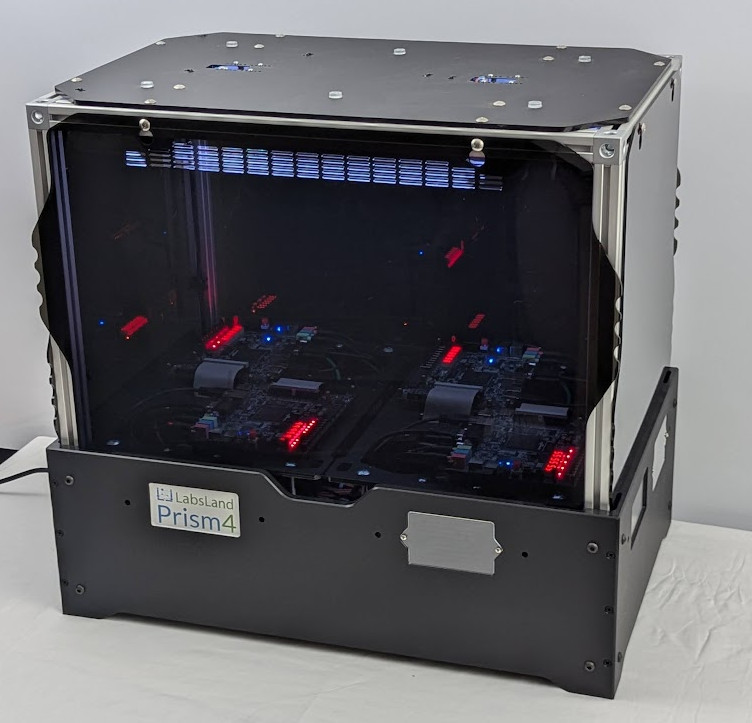
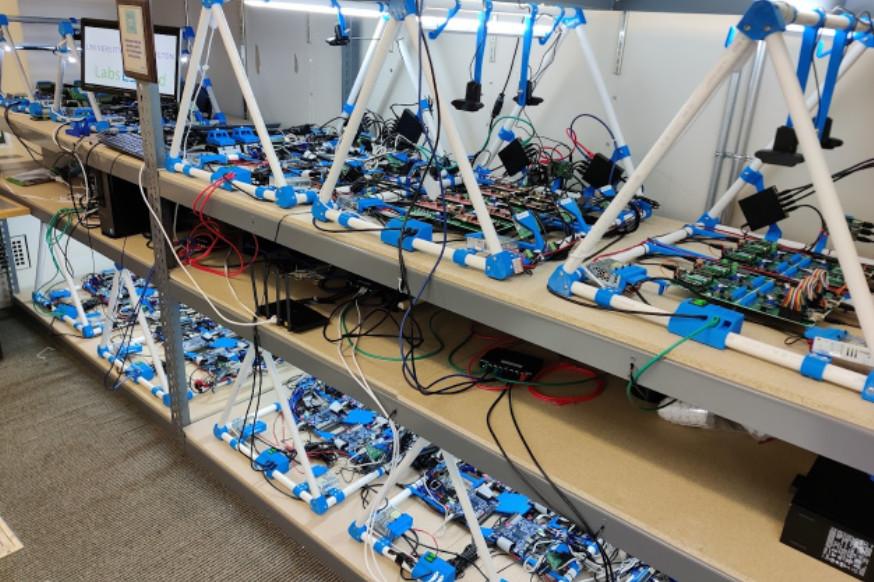
LabsLand ialah rangkaian global makmal sebenar yang tersedia dalam talian. Pelajar (di sekolah, universiti dan platform pembelajaran sepanjang hayat) boleh mengakses makmal sebenar melalui Internet, menggunakan komputer riba, tablet atau telefon mereka.
Dalam setiap kes, makmal itu sentiasa sebenar (bukan simulasi) dan tersedia melalui Web (anda tidak perlu memperoleh sebarang perkakasan, mengurus penghantaran, dan sebagainya).
Lesen pukal
Jika anda akan membeli beberapa lesen (contohnya, untuk sebuah kelas atau kumpulan pengguna, atau lesen institusi), hubungi kami untuk mendapatkan diskaun.
Anda boleh membeli lesen LabsLand sebagai individu melalui pautan di bawah, atau untuk institusi anda. Jika anda membeli lesen untuk institusi anda, anda perlu menghubungi kami supaya kami boleh menyediakan ruang untuk institusi anda tempat anda boleh menjejaki penggunaan oleh pengguna dan memperoleh alat lain yang tertumpu kepada institusi.
Boole Designer
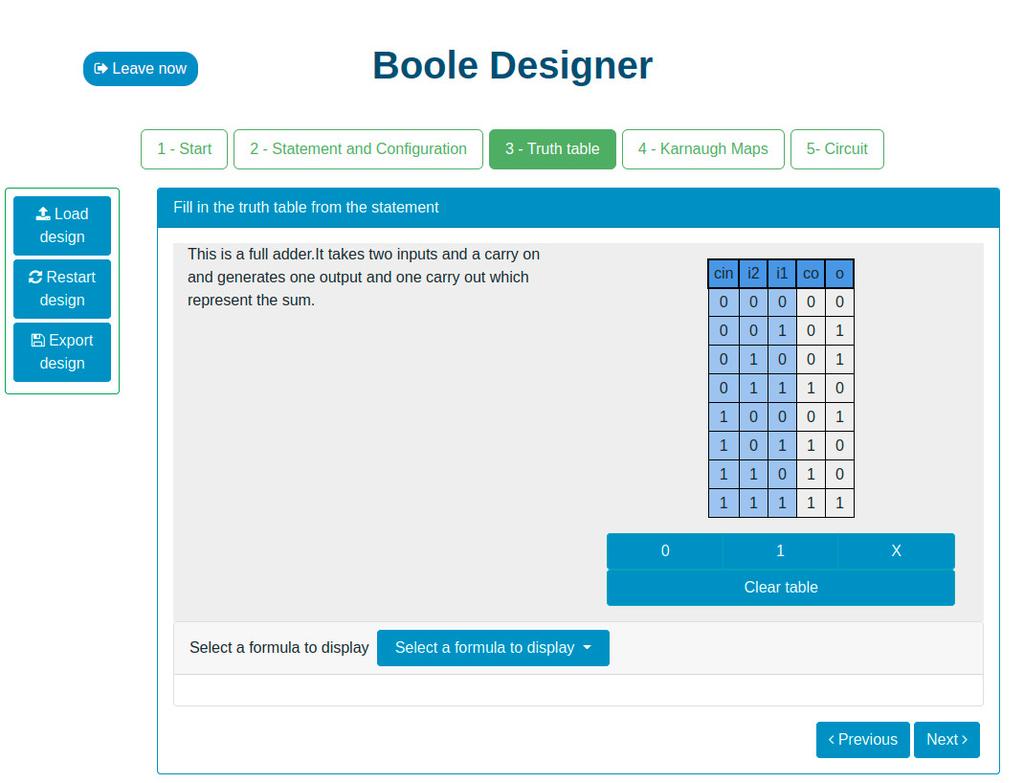
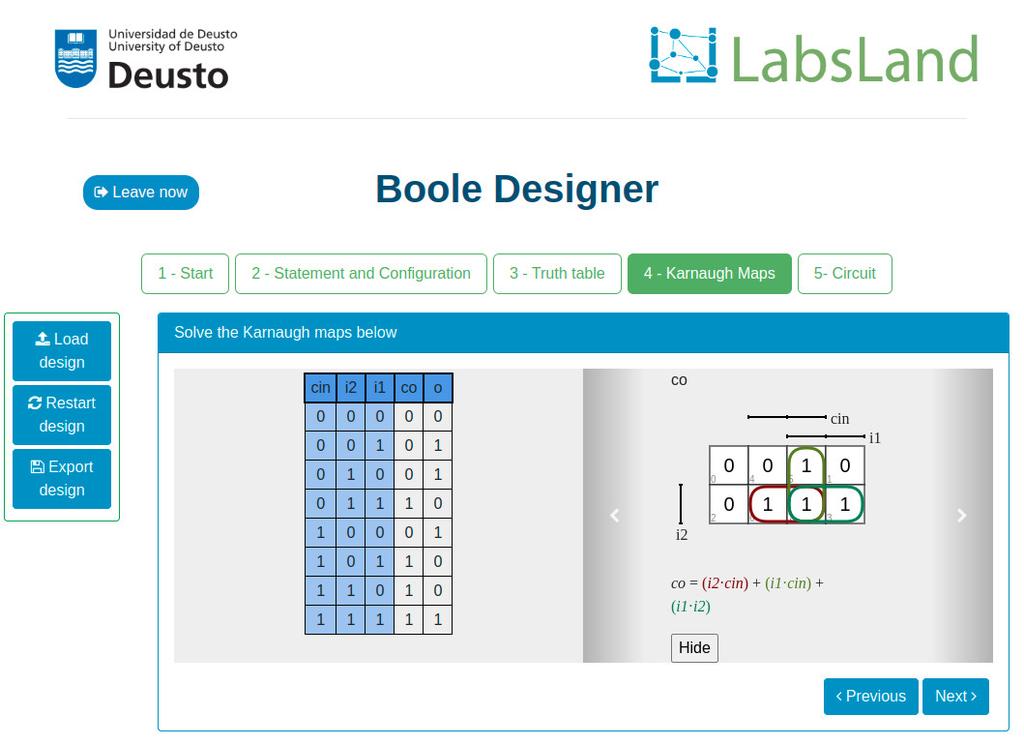
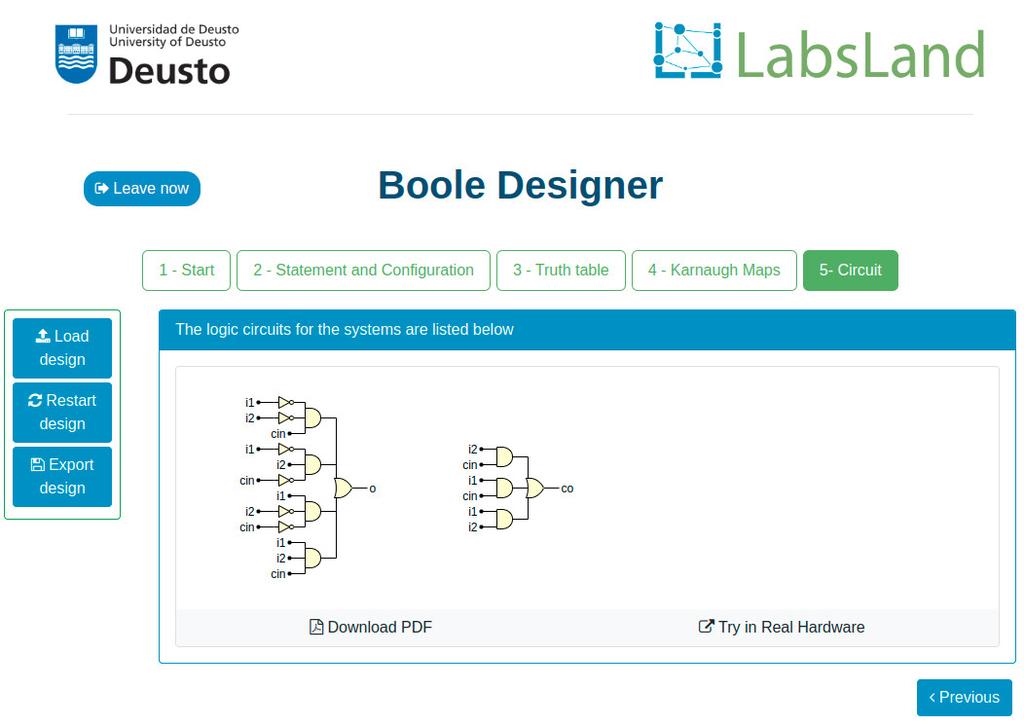
This laboratory will let you learn basic Digital Electronics.
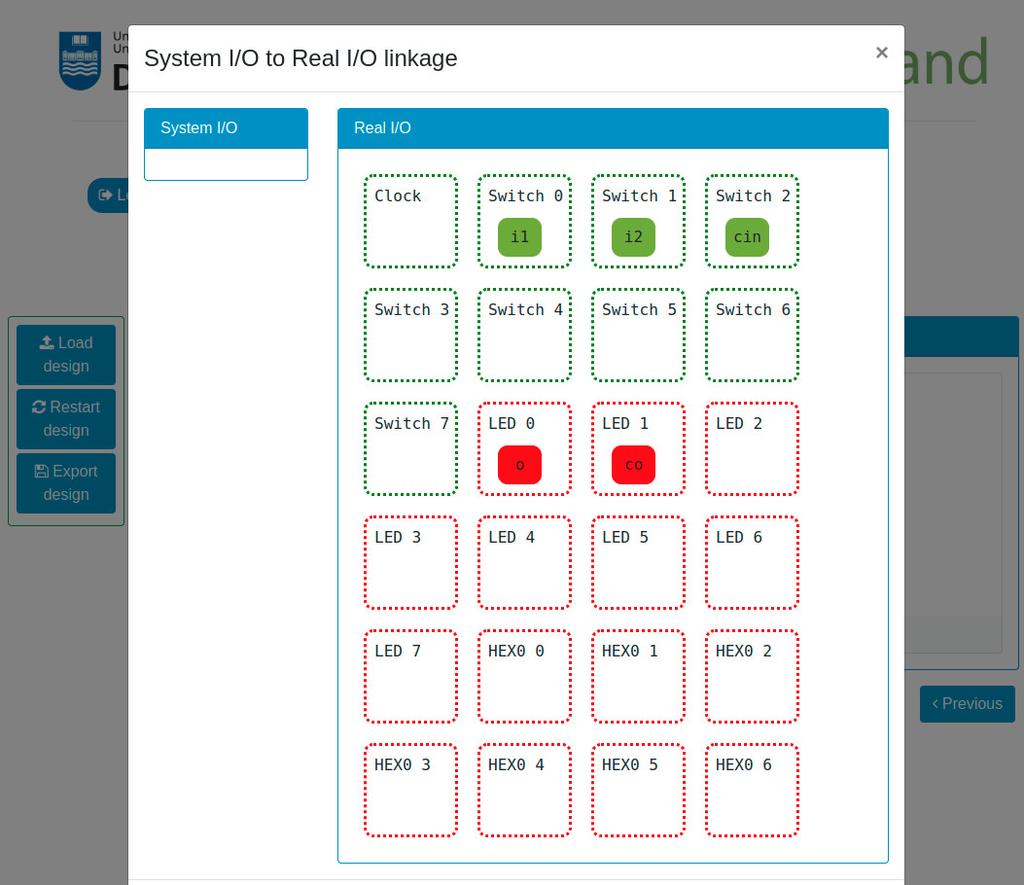
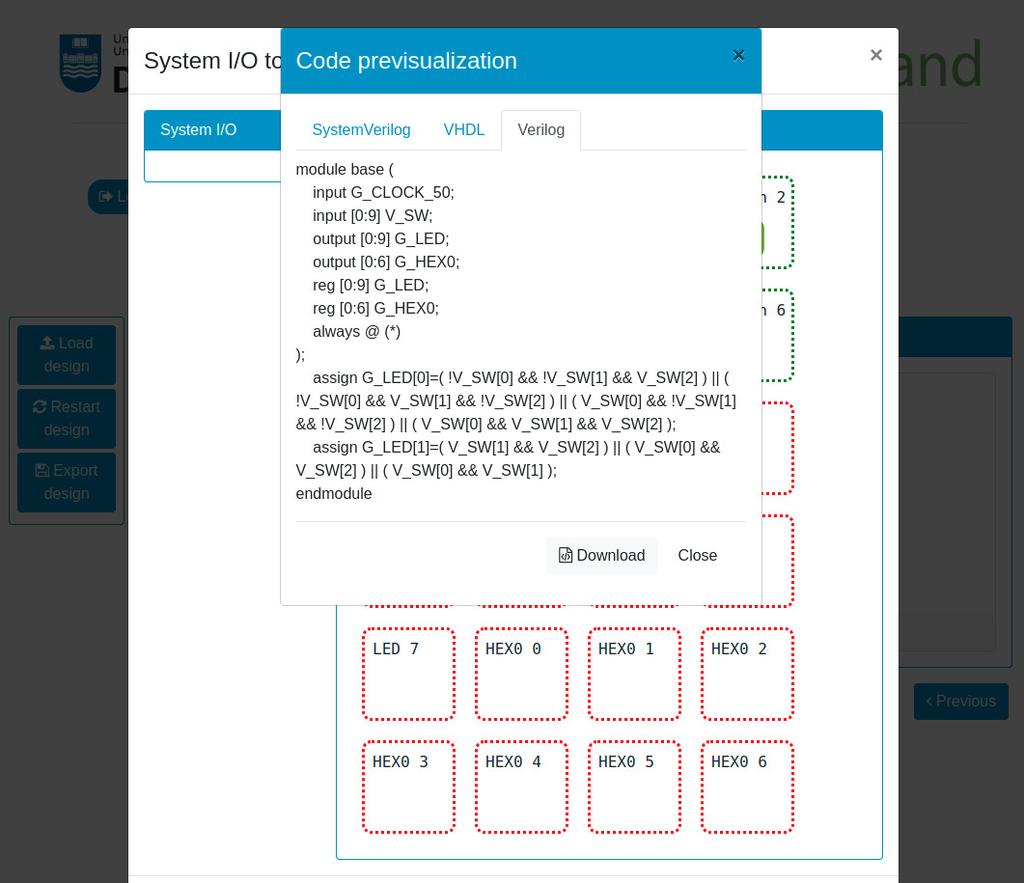
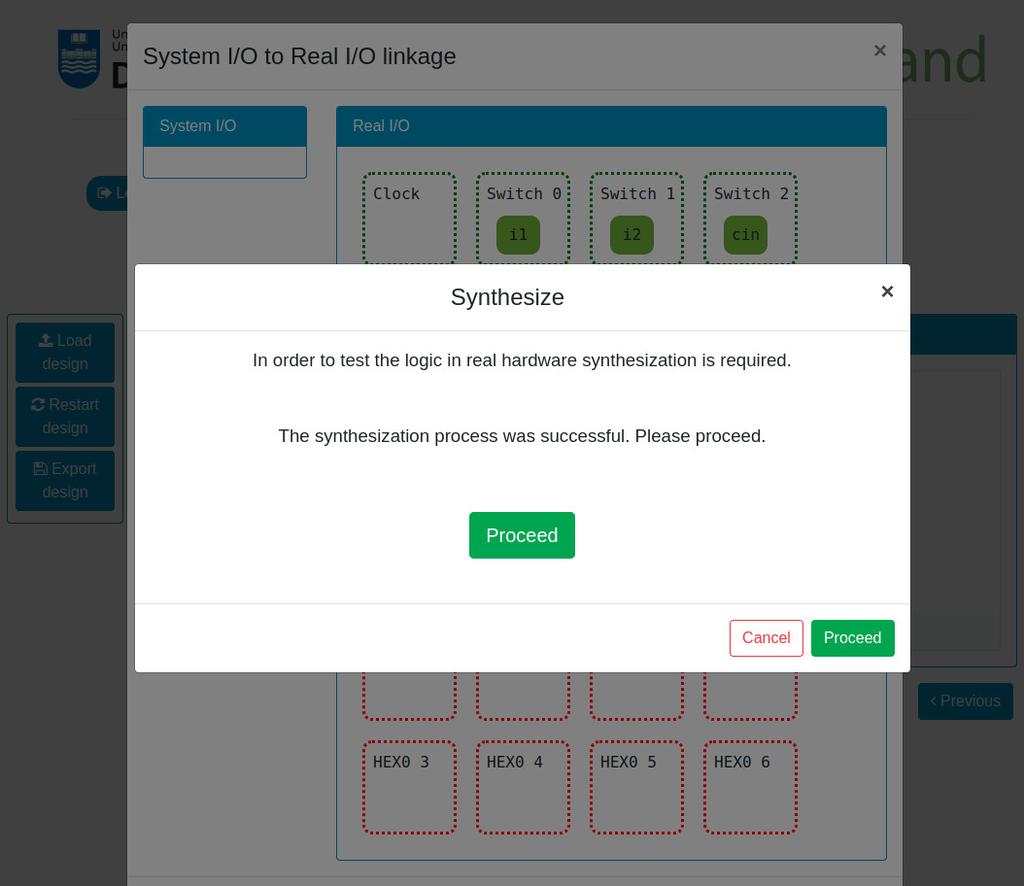
You will be able to design Combinational Systems by designing and filling a truth table, use Boolean Algebra, create Karnaugh–Veitch (KV or VK) maps, and try the systems that you create in real remote hardware (Intel FPGAs).

Digital Trainer
Summary
The Digital Trainer laboratory is designed towards students that are starting with digital logic, truth tables and Boole's Algebra.
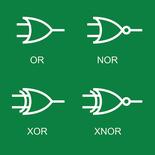
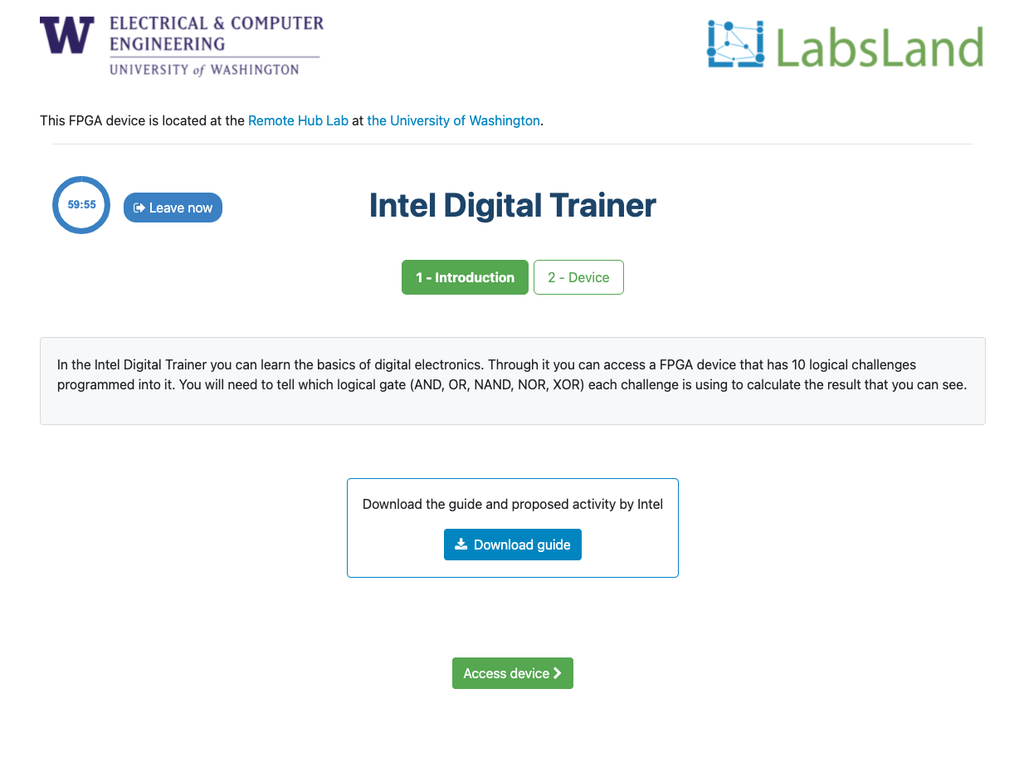
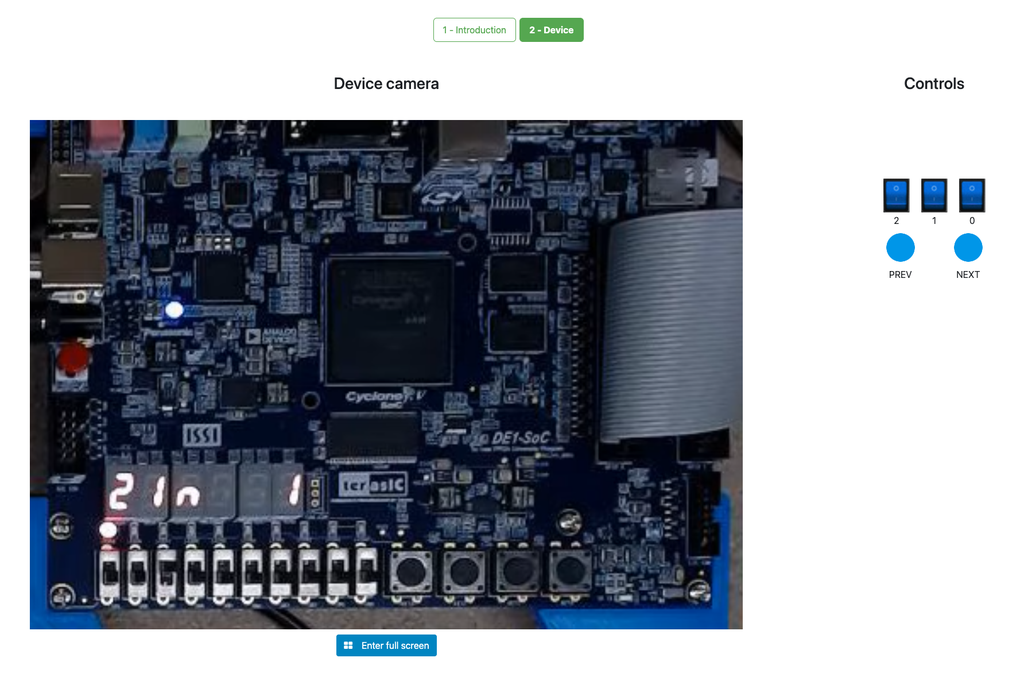
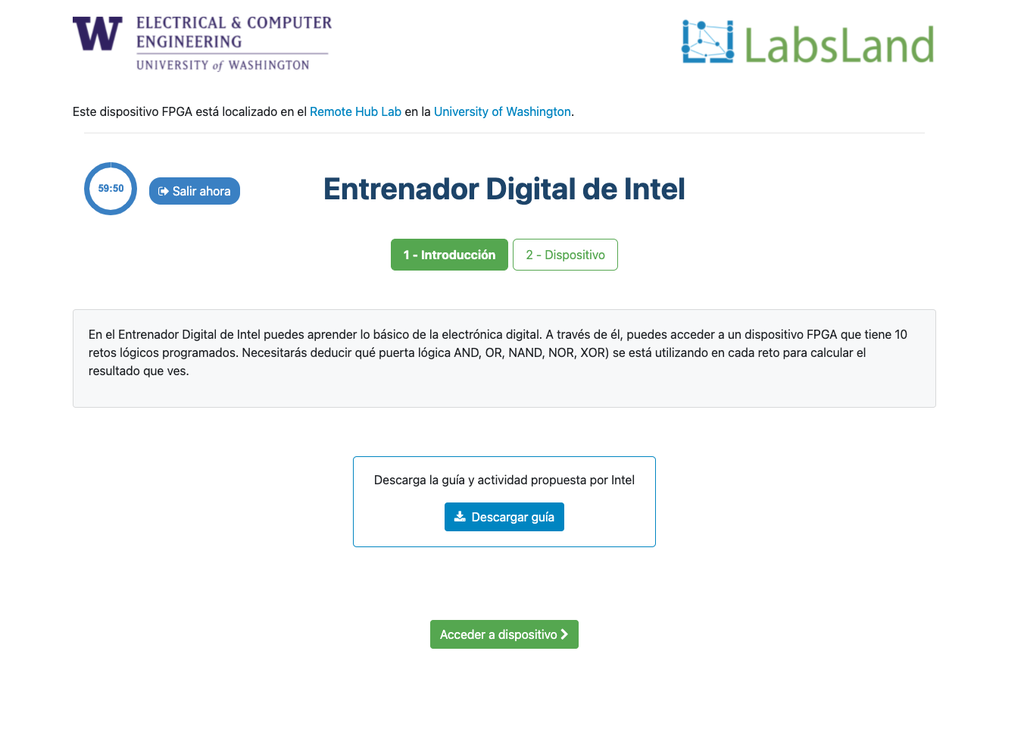
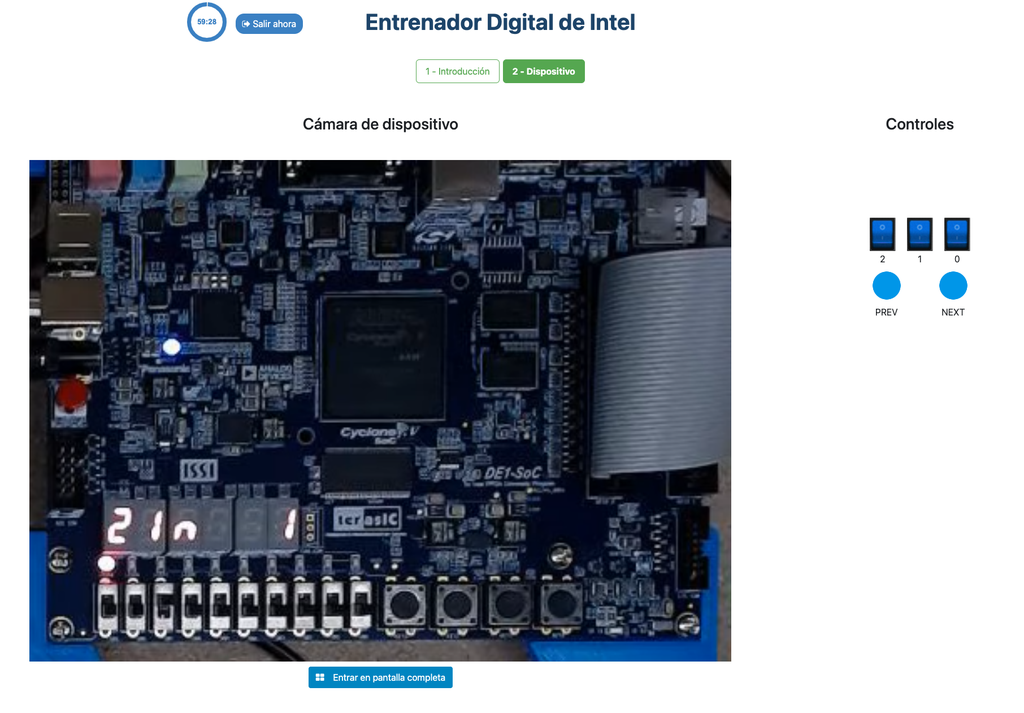
During the activity, the student sees an Intel FPGA that implements a series of simple truth tables. The student can interact with the FPGA devices to vary the inputs to the system through switches, and observe the outputs through LEDs. The challenge is to determine which logical operator the FPGA implements in each case (e.g. AND, NAND...).
Further details
The activity is designed to be relatively simple and straightforward, but at the same time to be engaging for the students. It is designed in a game-like style, and it is based in real hardware (FPGAs). That way, it is not only useful to introduce and obtain familiarity with digital logic, but also it allows students to start seeing the future uses of that knowledge, interacting in a superficial way with FPGA devices, of the same kind that are used in industry.
Interaction with the FPGA devices does not add complexity, since students don't need to program them; they already implement a black box logic (which is precisely the point of the activity).
The laboratory is originally based in an activity that Intel Corporation frequently conducts in its seminars, both hands-on and remote, using their Intel DE1-SoC, Intel DE2-115, or other types of FPGAs.
FPGA Laboratory
Learn Hardware design with real FPGAs!
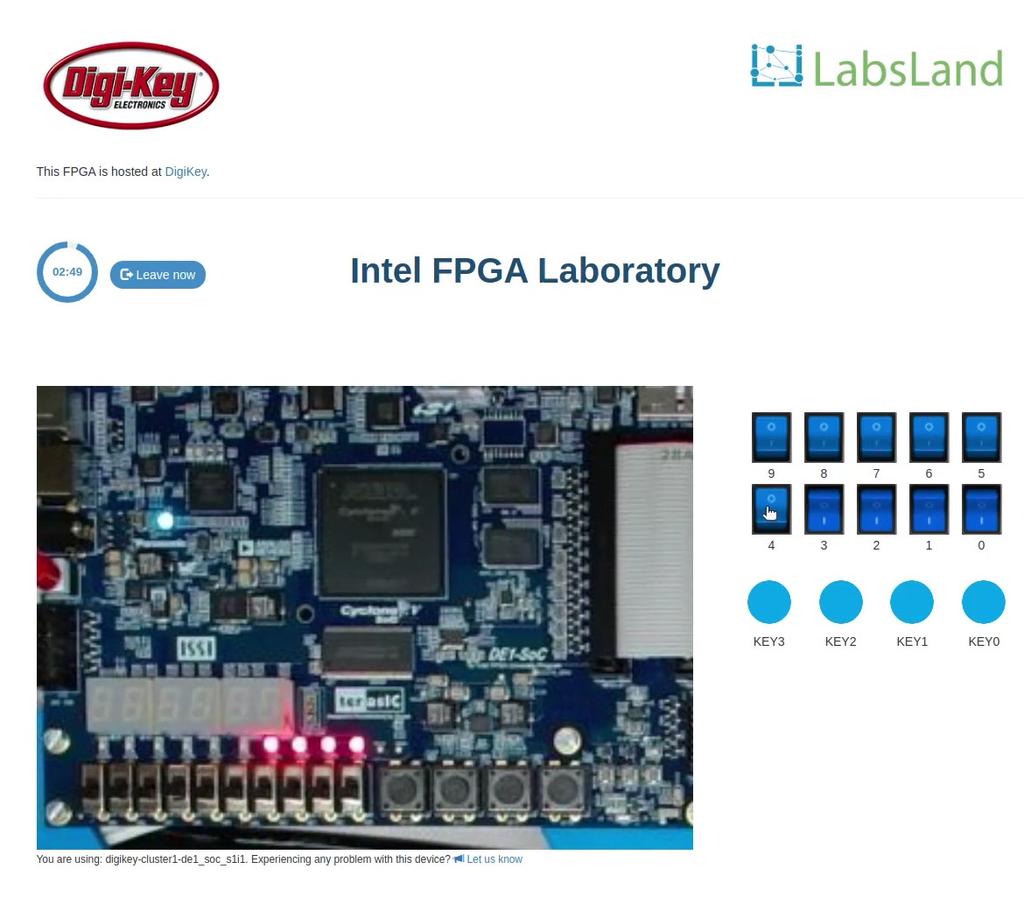
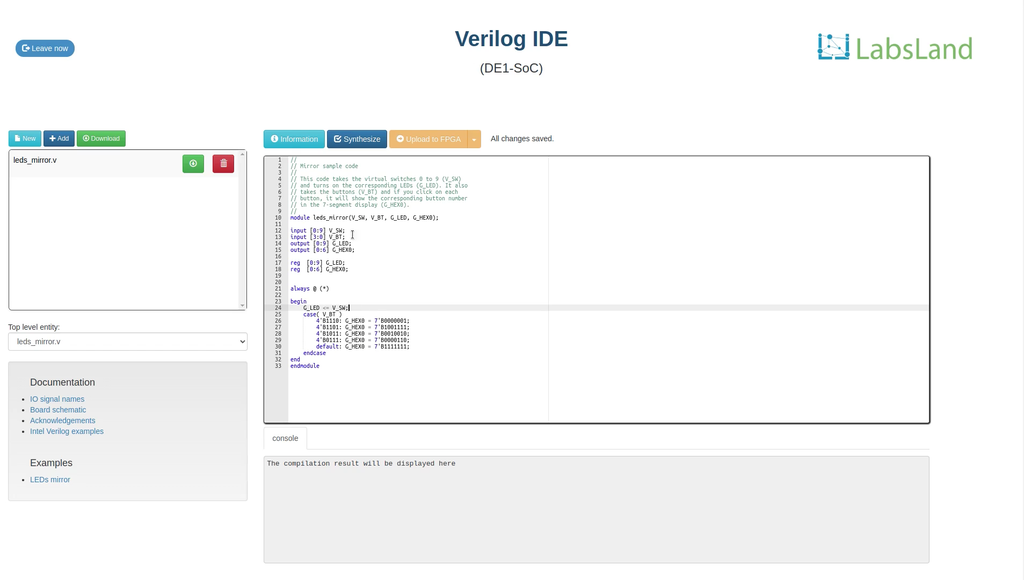
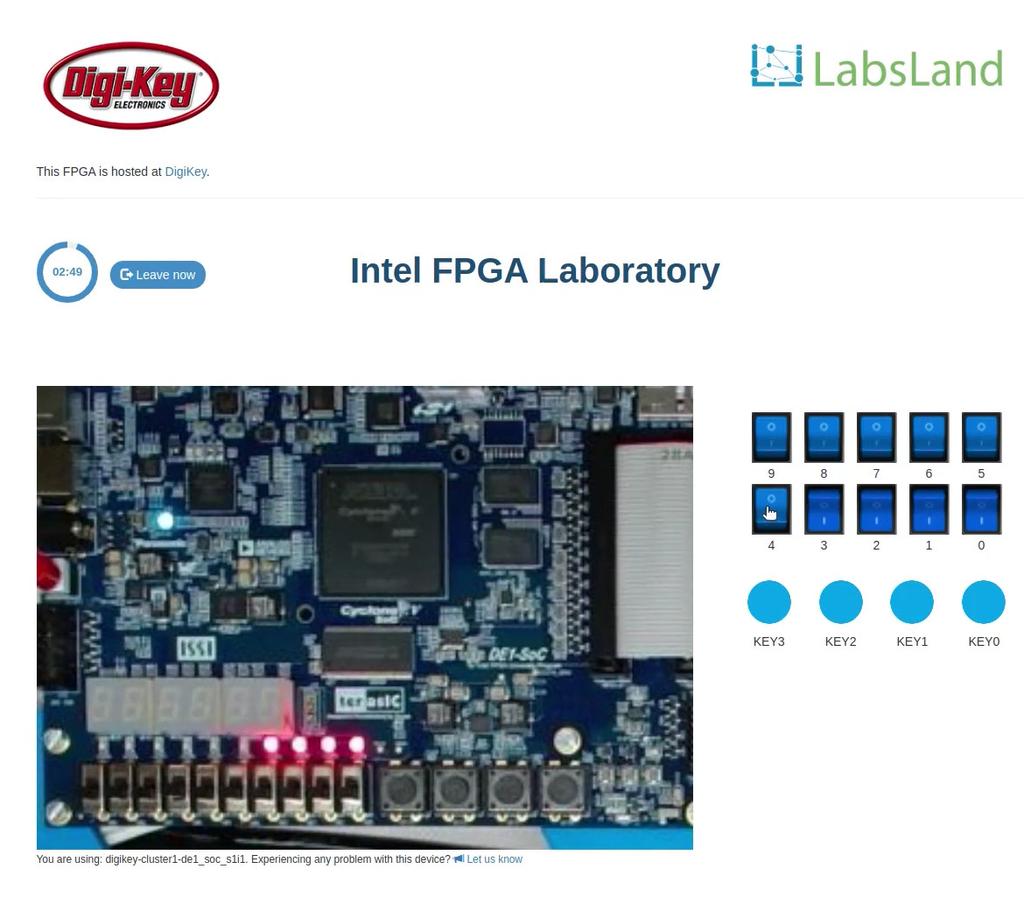
In this laboratory, you can learn how to program using two Hardware Design Languages: VHDL or Verilog, and test your code in one of our multiple boards available. Every FPGA has a set of components already place, such as 10 LEDs, 6 7-segment displays or multiple clocks. In addition, you will have access to 10 virtual switches and 4 virtual buttons that you can use in your design and that you will see when interacting with the real hardware.
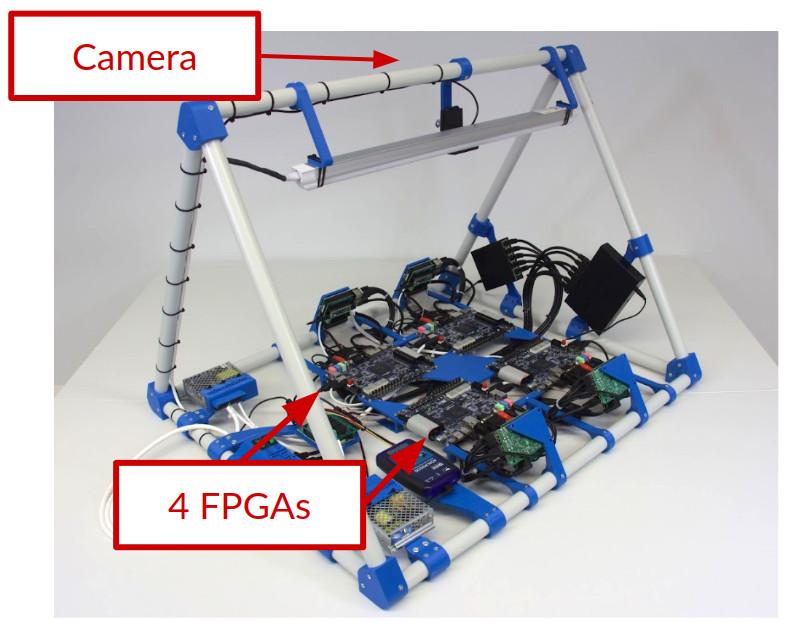
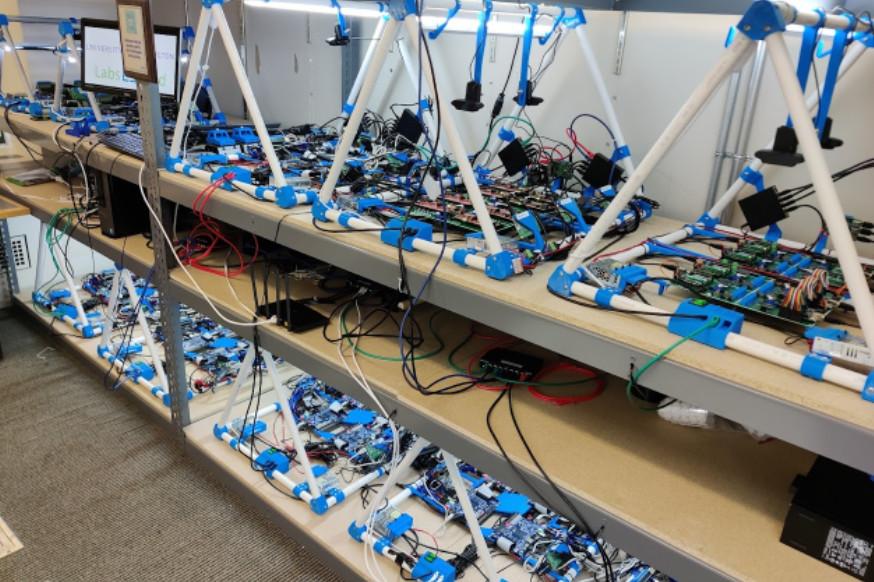
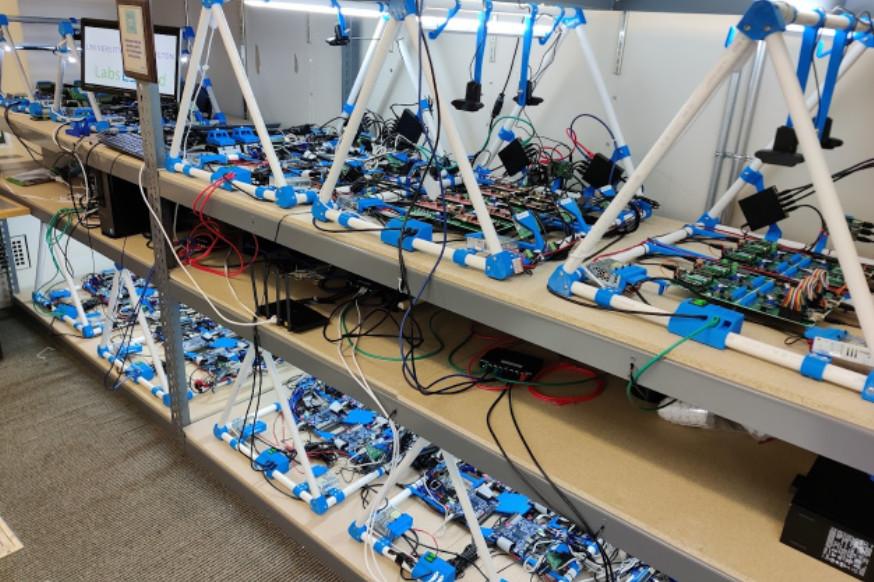
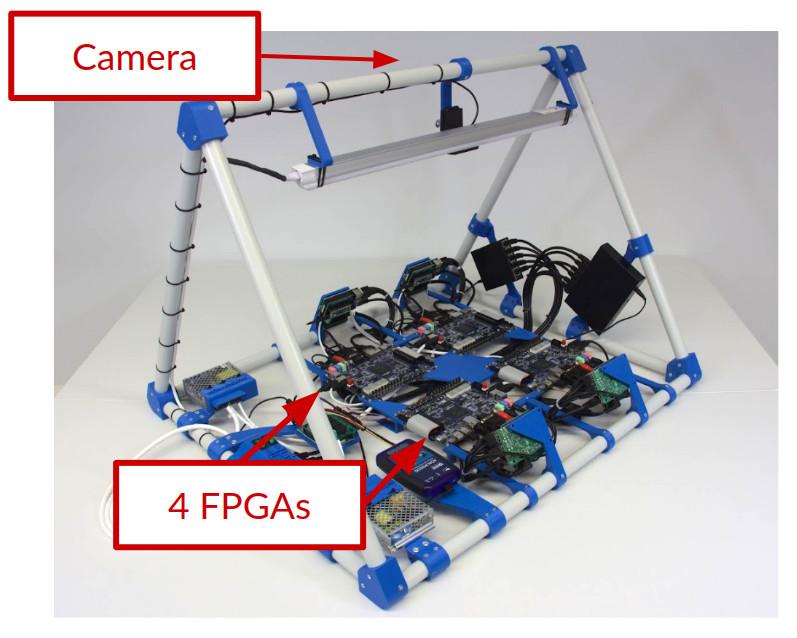
Whenever you synthesize your code, you will be assigned to a particular board (such as Terasic DE2-115 or Terasic DE1-SoC or others), and you will be able to send your code to one of the available boards and to turn on and off the switches or press the buttons and see how your design behaves. The boards are located in different universities, as you will see when using each board.
In this laboratory, you do not need any software or hardware installed in your computer, tablet or phone.
DE1-SoC
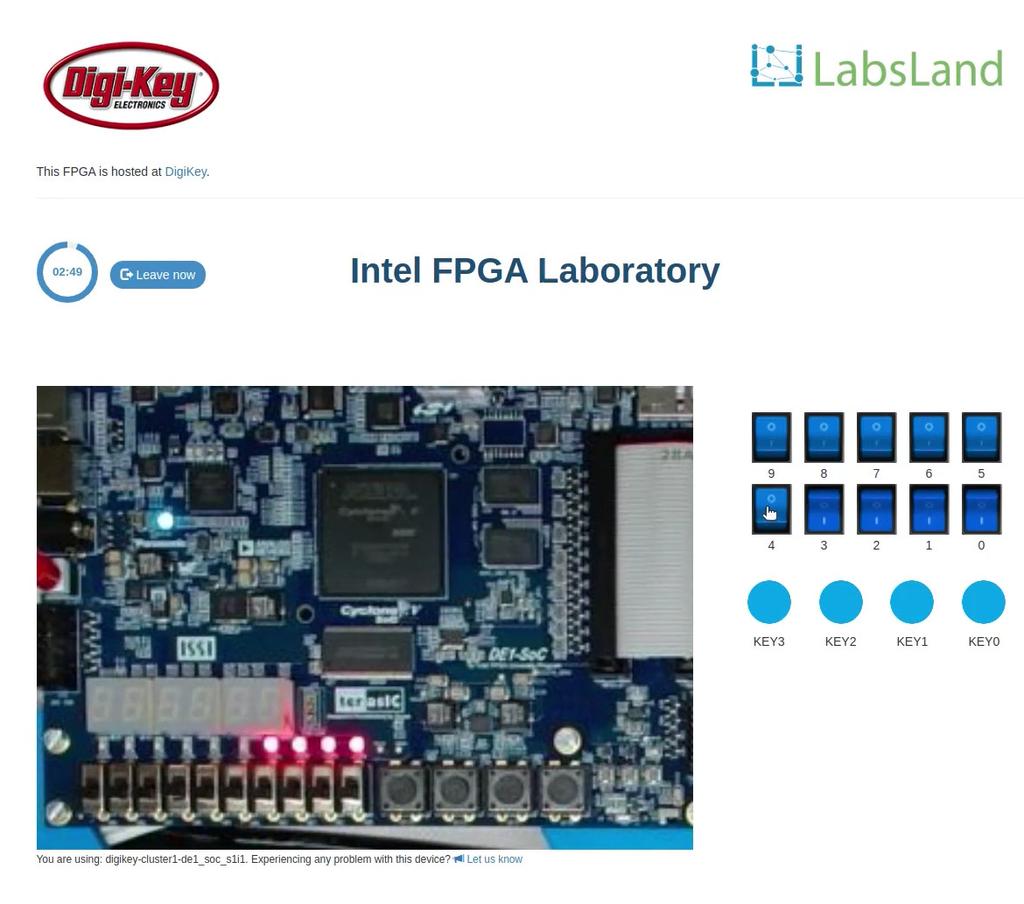
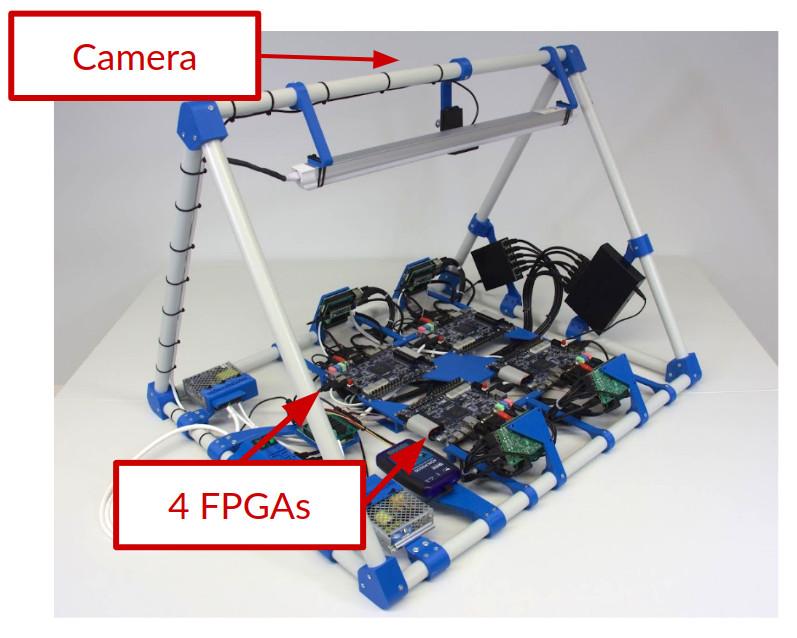
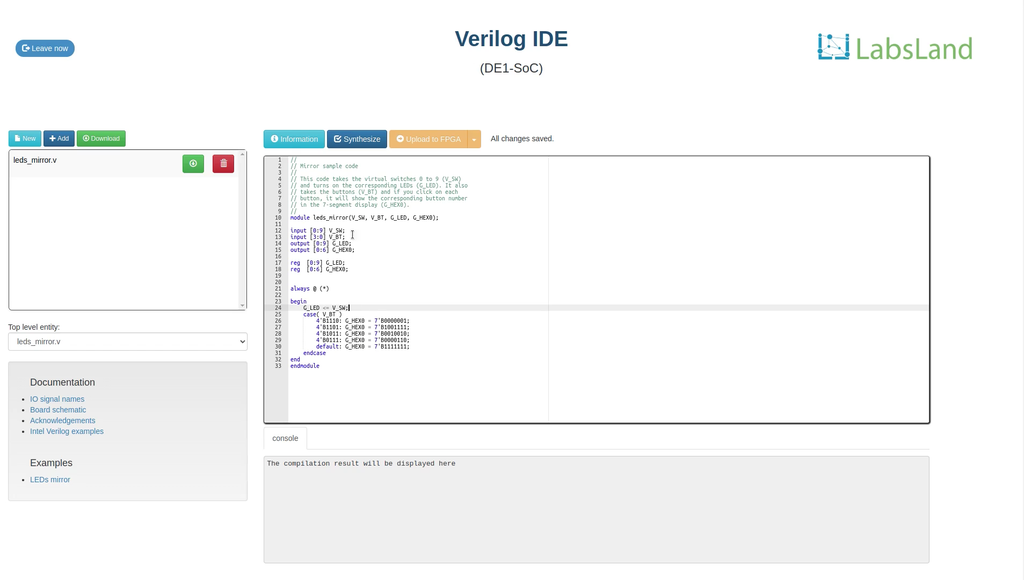
Tulis dan kompil reka bentuk anda dalam pelayar, kemudian ujinya pada papan DE1-SoC sebenar. Perhatikan LED dan paparan tujuh segmen melalui kamera langsung dan gunakan suis serta butang maya.
Untuk menggunakan UART, pilih antara muka standard dan aktifkan terminal bersiri UART sebelum masuk. Sesi UART menggunakan papan yang serasi.
DE1-SoC (muat naik binari)
Cipta dan kompil reka bentuk FPGA anda dalam Quartus, kemudian muat naik fail .sof di sini. Pilih antara muka standard untuk akses terus, atau pilih antara muka sebelum masuk untuk menggunakan kawalan dan simulasi lain yang tersedia.
Untuk menggunakan UART, pilih antara muka standard dan aktifkan terminal bersiri UART sebelum masuk. Sesi UART menggunakan papan yang serasi.
Intel DE2-115 (no IDE)
Learn Hardware design with FPGAs using Terasic DE2-115!
In this laboratory, you can learn how to program using two Hardware Design Languages: VHDL or Verilog, and test your code in a real Terasic DE2-115 FPGA. The FPGA has a set of components already place, such as LEDs, 7-segment displays or multiple clocks. In addition, you will have access to 18 virtual switches and 4 virtual buttons that you can use in your design and that you will see when interacting with the real hardware. This way, you will be able to turn on and off the switches or press the buttons and see how your design behaves. The boards are located in different universities, as you will see when using each board.
In this laboratory, you do not need any software or hardware installed in your computer, tablet or phone.