Launch real hardware quickly
The demo gives the professor a concrete STM32 board interaction before any procurement conversation.
STM32 C / bare-metal course demo
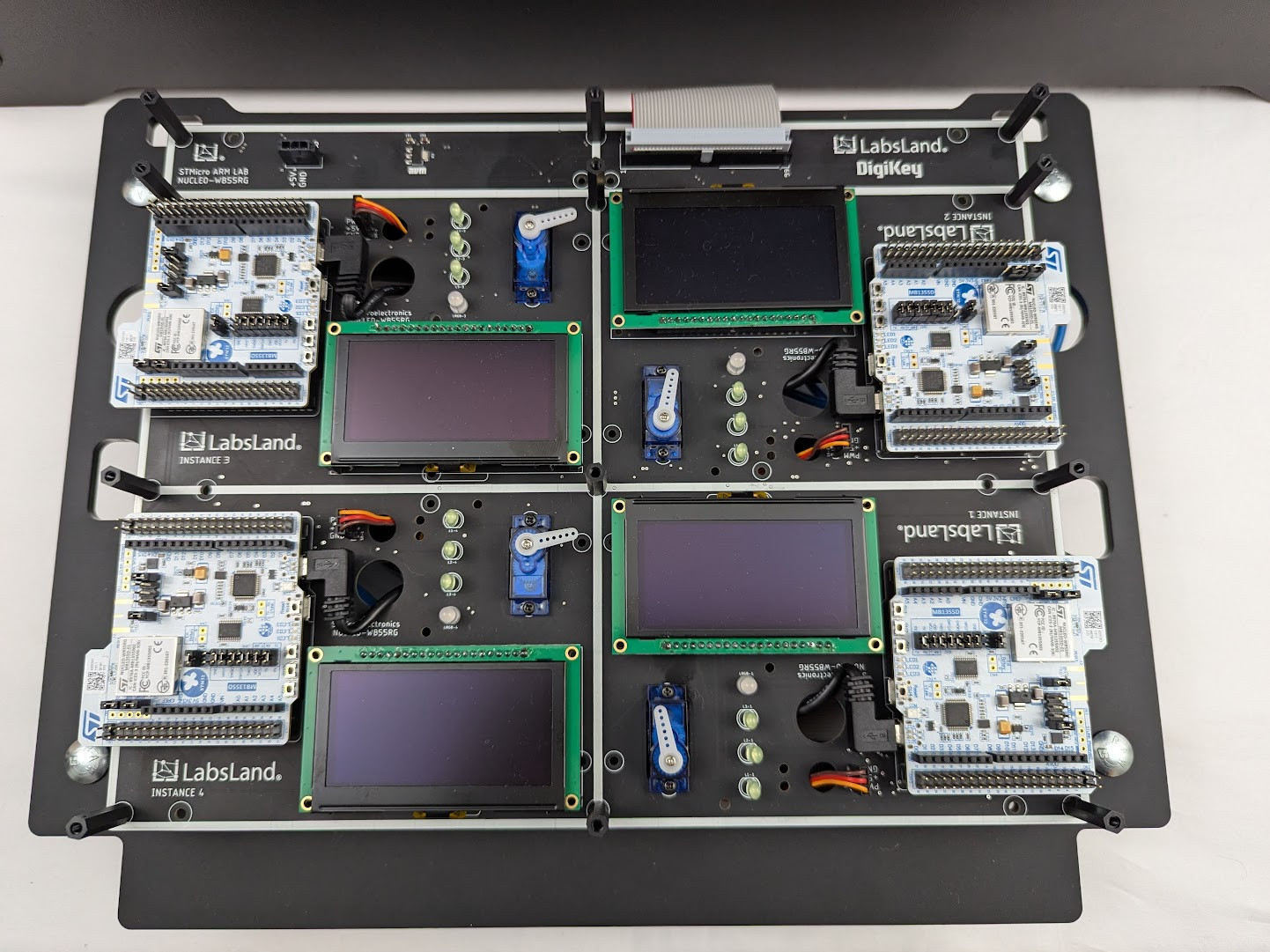
Try a real STM32 board through your browser for low-level C, assembly, and compiled-program upload workflows.
Audience
Give students practice with low-level control, development tools, and real board behavior. Try the demo, then discuss the board and peripheral requirements for your course.
Demo path
The demo gives the professor a concrete STM32 board interaction before any procurement conversation.
Use C or assembly for low-level programming, or compile locally and upload the program to a remote board.
A small course trial can clarify language, toolchain, peripherals, group access, and assessment needs.
Practice register-level programming and test compiled programs on physical STM32 hardware.
Observe how the physical board responds through its live camera.
Plan the board, peripherals, groups, LMS access, and capacity your students need.
Choosing your lab
Use LabsLand as complementary capacity: off-hours practice, overflow, remote sections, backup when kit checkout fails, and a consistent hardware target for students who cannot reach the lab room.
Related labs
Explore the equipment, experiments, resources, and access options for each laboratory.
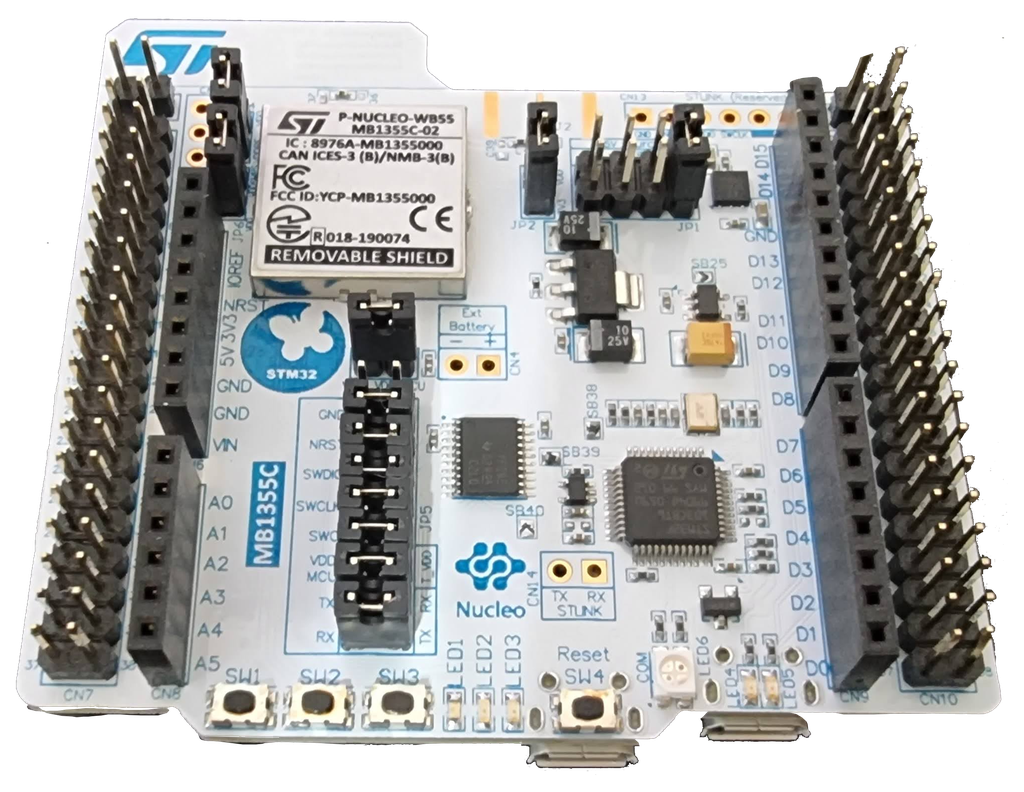
LabsLand ARM Community
Programmera en verklig ARM-mikrokontroller med periferiutrustning och låg effektläge. Använd en online-IDE.
Visa laboratorium
LabsLand ARM Community
Programmera en riktig ARM-mikrokontroller med kringutrustning och lågströmslägen. Ladda upp binär fil.
Visa laboratoriumLabsLand
Programmera en verklig ARM-mikrokontroller med kringutrustning och lågeffektlägen med en Mbed-IDE online.
Visa laboratoriumReview the Nucleo C/C++ lab and its public template resources.
Review direct/no-IDE style STM32 access when upload-only workflows are relevant.