Start with visible behavior
The demo uses a potentiometer interaction so the remote hardware loop is immediately understandable.
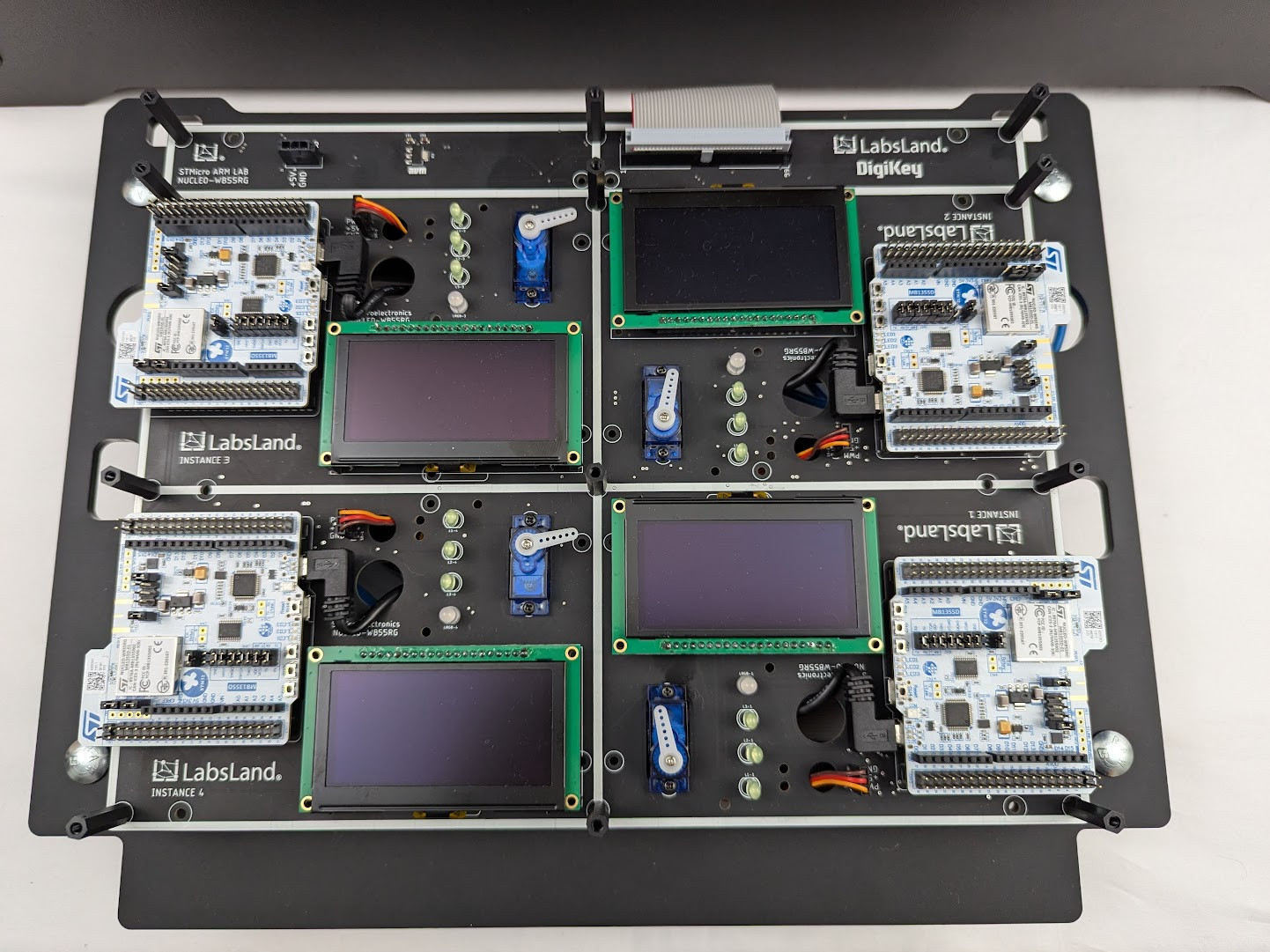
STM32 Mbed course demo
Use a live Mbed demo when the course values rapid embedded software workflow, IoT-style exercises, and visible hardware feedback.
Audience
Try the Mbed workflow on real hardware and explore access for your course. For low-level C or upload-only work, choose the STM32 C laboratories.
Demo path
The demo uses a potentiometer interaction so the remote hardware loop is immediately understandable.
Choose Mbed for your embedded software activities, or explore C/upload access for low-level programming.
A small trial can expose the right STM32 lab page, access model, and class controls.
Mbed can reduce setup friction for courses focused on application behavior and rapid prototyping.
The demo shows the browser-to-board loop with a concrete physical input/output task.
Trial discussions can cover cohorts, LMS, groups, statistics, and whether the lab should sit beside local kits.
Choosing your lab
Do not use this as the main campaign page. Use the STM32 C/upload path for register-level, no-library, assembly, or toolchain-centered courses.
Related labs
Explore the equipment, experiments, resources, and access options for each laboratory.
LabsLand
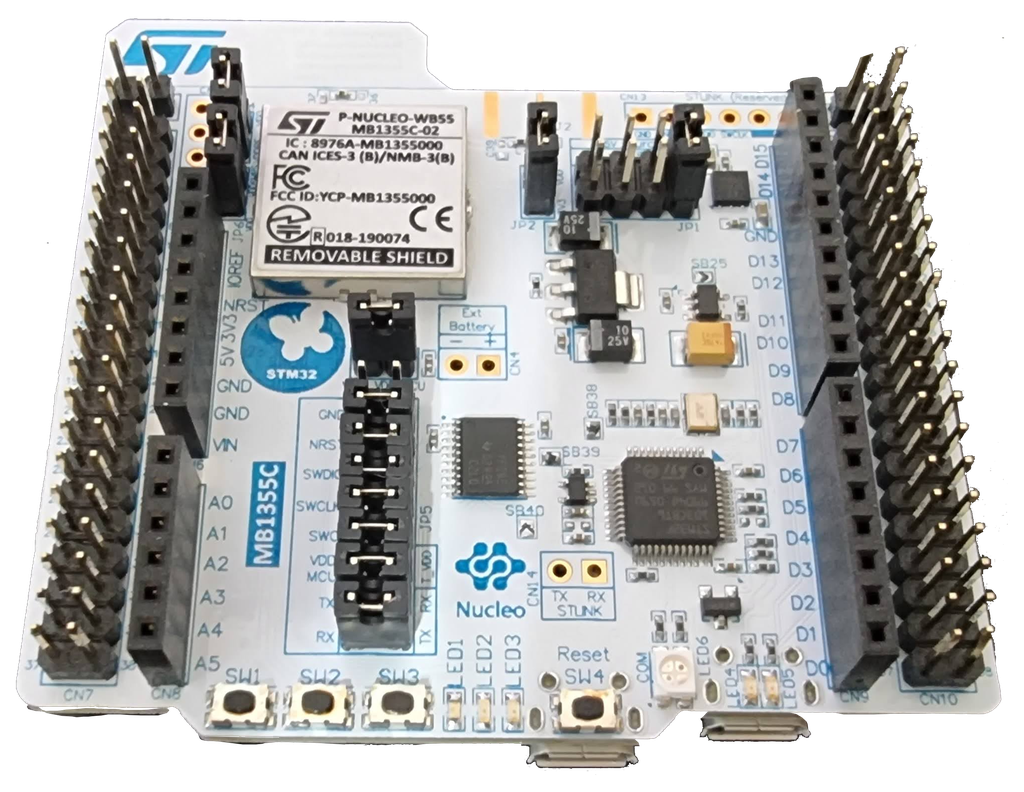
Programar um microcontrolador ARM real com periféricos e modos de baixa potência usando um IDE Mbed online.
Ver laboratórioLabsLand ARM Community
Programar um verdadeiro microcontrolador ARM com diferentes periféricos e modos de baixa potência.
Ver laboratório
LabsLand ARM Community
Programar um verdadeiro microcontrolador ARM com diferentes periféricos e modos de baixa potência.
Ver laboratórioReview the Nucleo Mbed lab and public course resources.
Use the low-level path when the course avoids Mbed or HAL-style abstractions.