← লাইসেন্সের তালিকায় ফিরে যান
লাইসেন্স LCAL0001
Intel FPGA Laboratories
8 পরীক্ষাগারে দূরবর্তী অ্যাক্সেস অন্তর্ভুক্তঃ
সরঞ্জাম সবসময় বাস্তব, একটি সিমুলেশন নয়। এখনই প্রবেশ করুন। সরঞ্জাম পাঠানোর জন্য অপেক্ষা করার দরকার নেই।
এই লাইসেন্সের অন্তর্ভুক্ত পরীক্ষাগার
 Boole Designer
 Digital Trainer
 FPGA Laboratory
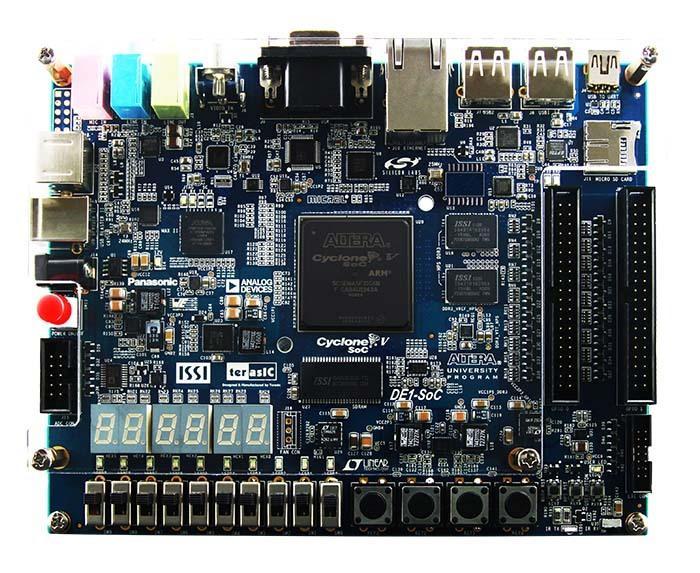 DE1-SoC
- DE1-SoC (বাইনারি আপলোড)
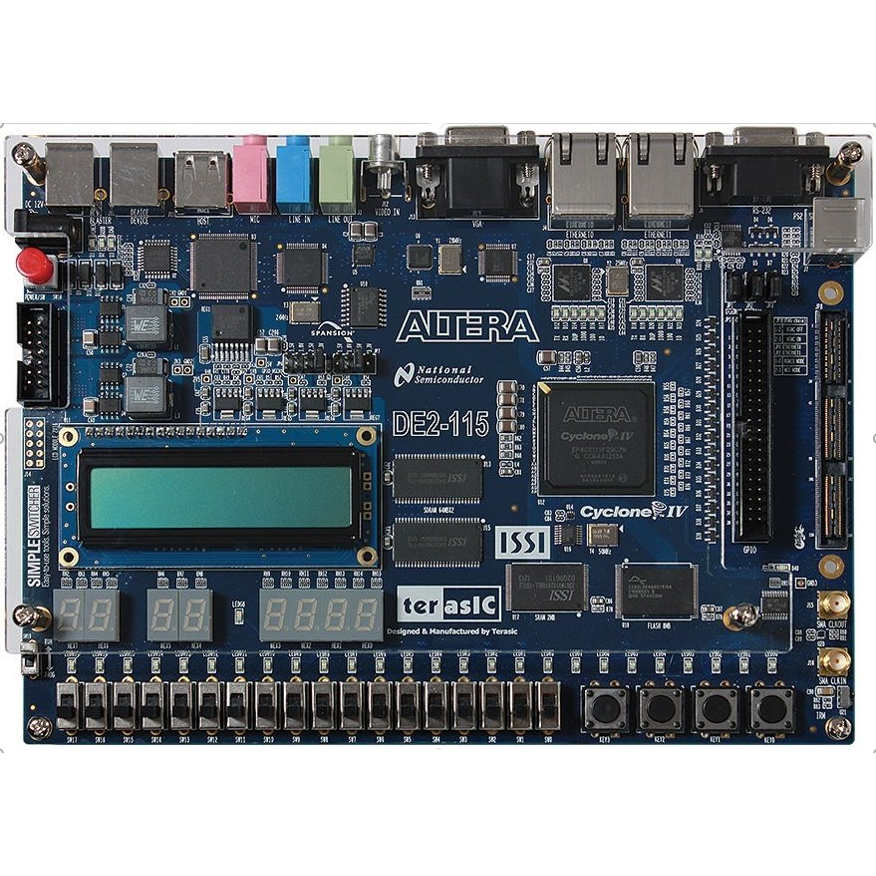 Altera DE2-115
- Intel DE2-115 (no IDE)
- DE1-SoC · Nios V
LabsLand কিভাবে কাজ করে?
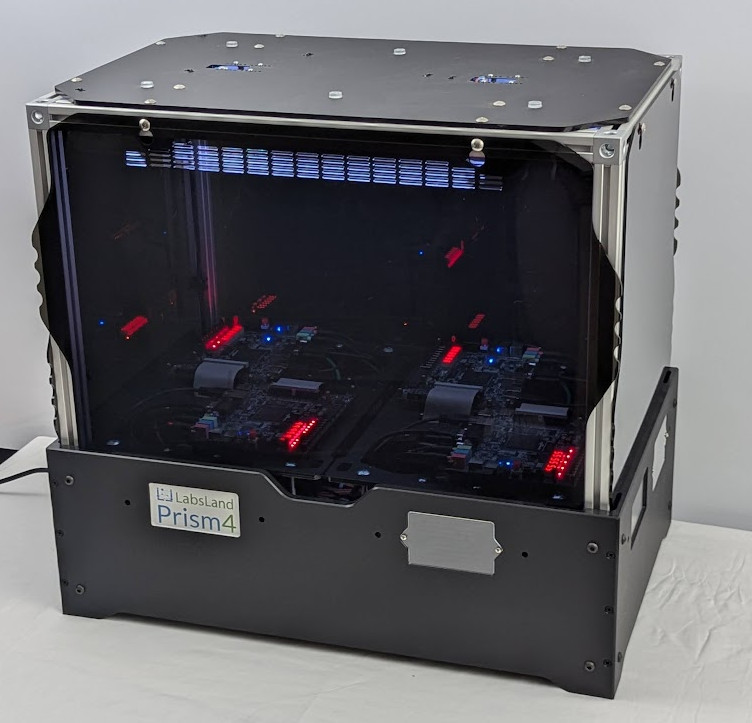
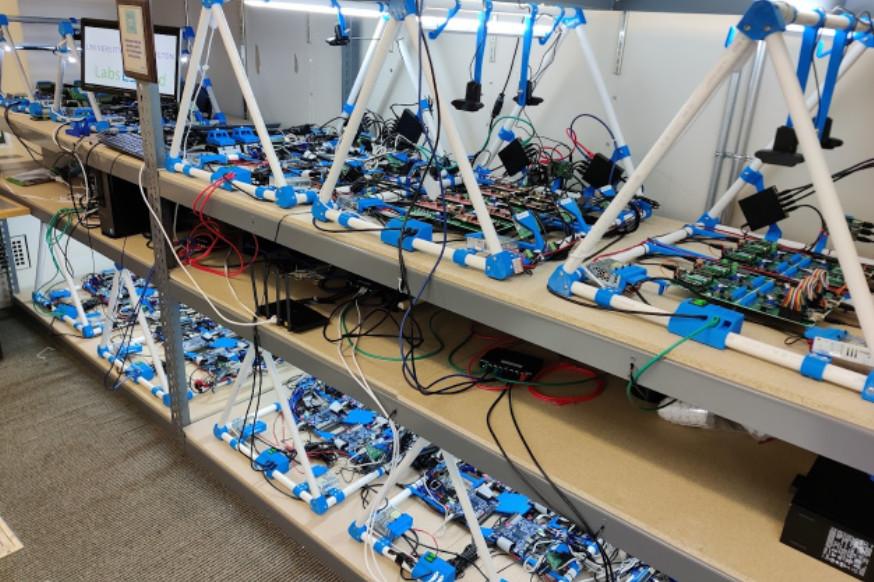
LabsLand হল অনলাইন উপলভ্য বাস্তব পরীক্ষাগারগুলির একটি বিশ্বব্যাপী নেটওয়ার্ক। শিক্ষার্থীরা (স্কুল, বিশ্ববিদ্যালয় এবং আজীবন শেখার প্ল্যাটফর্মগুলিতে) তাদের ল্যাপটপ, ট্যাবলেট বা ফোন ব্যবহার করে ইন্টারনেটের মাধ্যমে প্রকৃত পরীক্ষাগারগুলিতে অ্যাক্সেস করতে পারে।
প্রতিটি ক্ষেত্রে, পরীক্ষাগারটি সর্বদা বাস্তব (নকল করা নয়) এবং ওয়েবের মাধ্যমে উপলব্ধ (আপনার কোনও হার্ডওয়্যার পাওয়ার, শিপিংয়ের সাথে মোকাবিলা করার প্রয়োজন নেই ইত্যাদি)।
বাল্ক লাইসেন্স
আপনি যদি একাধিক লাইসেন্স কিনতে চান (যেমন, একটি ক্লাসরুম বা ব্যবহারকারীর গ্রুপের জন্য, অথবা একটি প্রাতিষ্ঠানিক লাইসেন্স), আমাদের সাথে যোগাযোগ করুন ছাড়ের জন্য।
আপনি নীচের লিঙ্কগুলিতে ব্যক্তিগতভাবে বা আপনার প্রতিষ্ঠানের জন্য LabsLand লাইসেন্স কিনবেন। আপনি যদি আপনার প্রতিষ্ঠানের জন্য লাইসেন্স কিনেন, তাহলে আপনাকে আউটreach করতে হবে যাতে আমরা আপনার প্রতিষ্ঠানের জন্য এমন একটি স্থান সরবরাহ করতে পারি যেখানে আপনি ব্যবহারকারীদের ব্যবহারের ট্র্যাক রাখতে পারেন এবং অন্যান্য প্রতিষ্ঠানের উপর দৃষ্টি নিবদ্ধ সরঞ্জামগুলি পেতে পারেন।
Boole Designer
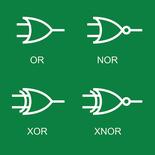
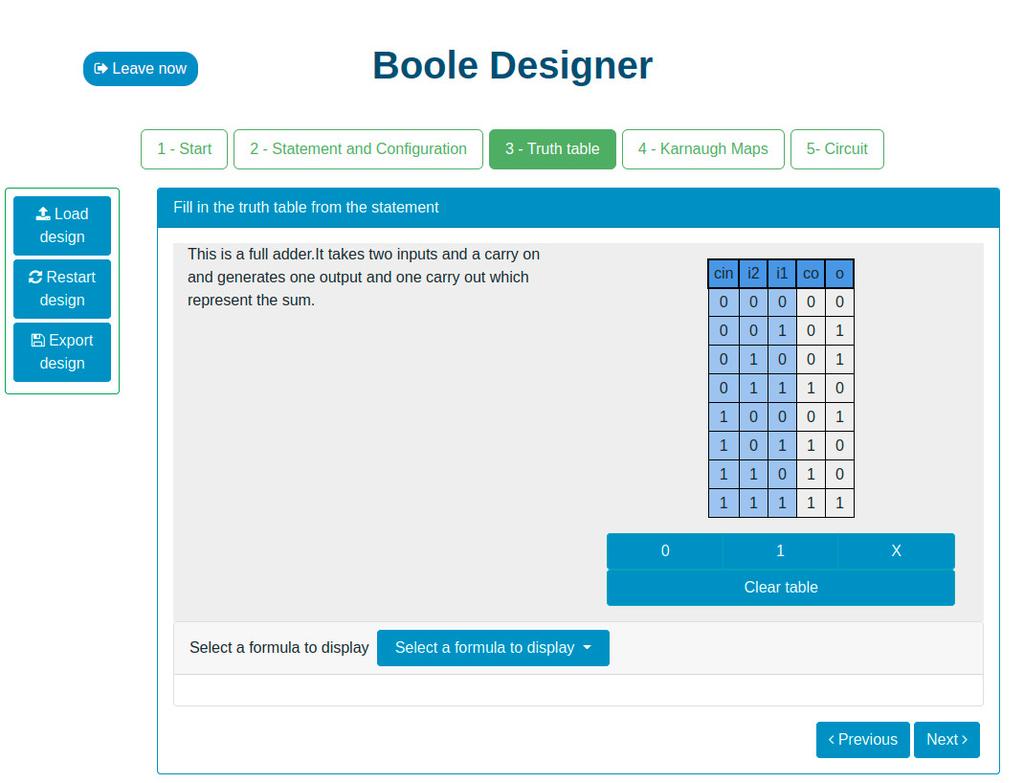
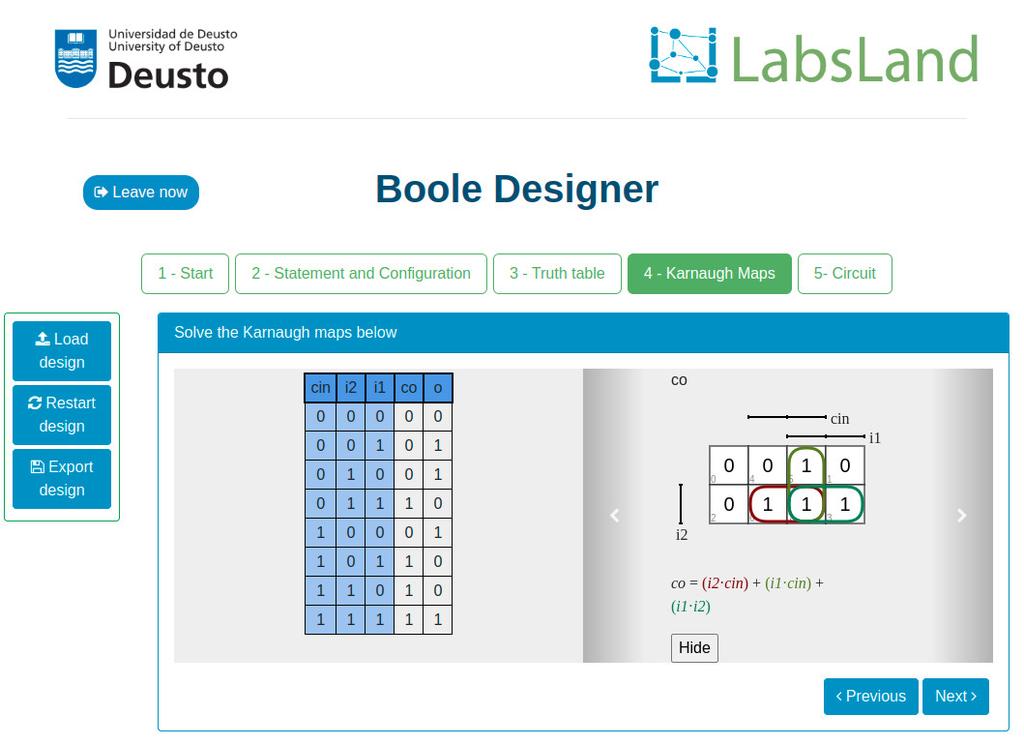
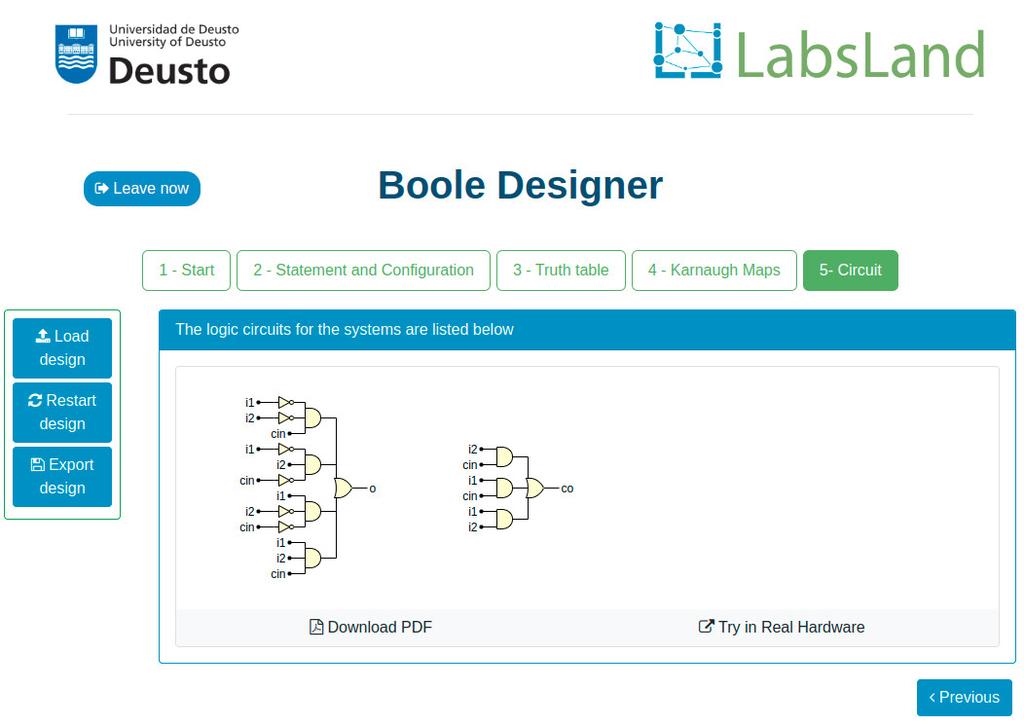
This laboratory will let you learn basic Digital Electronics.
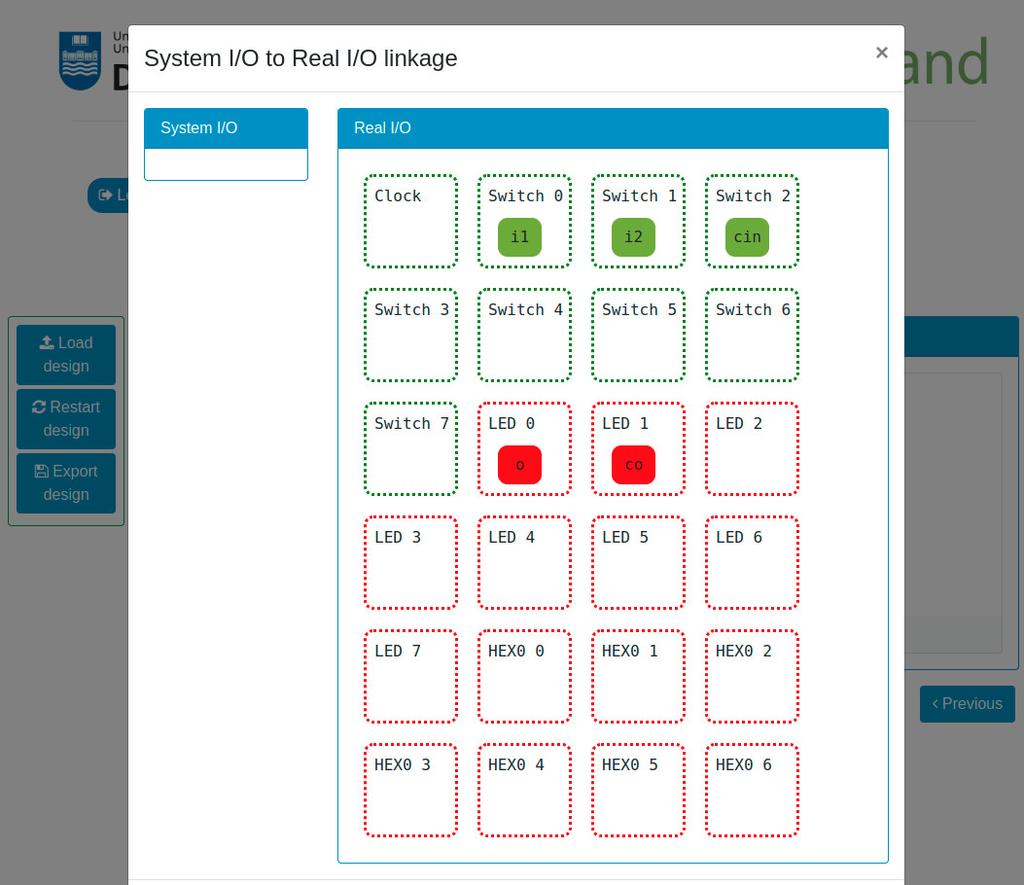
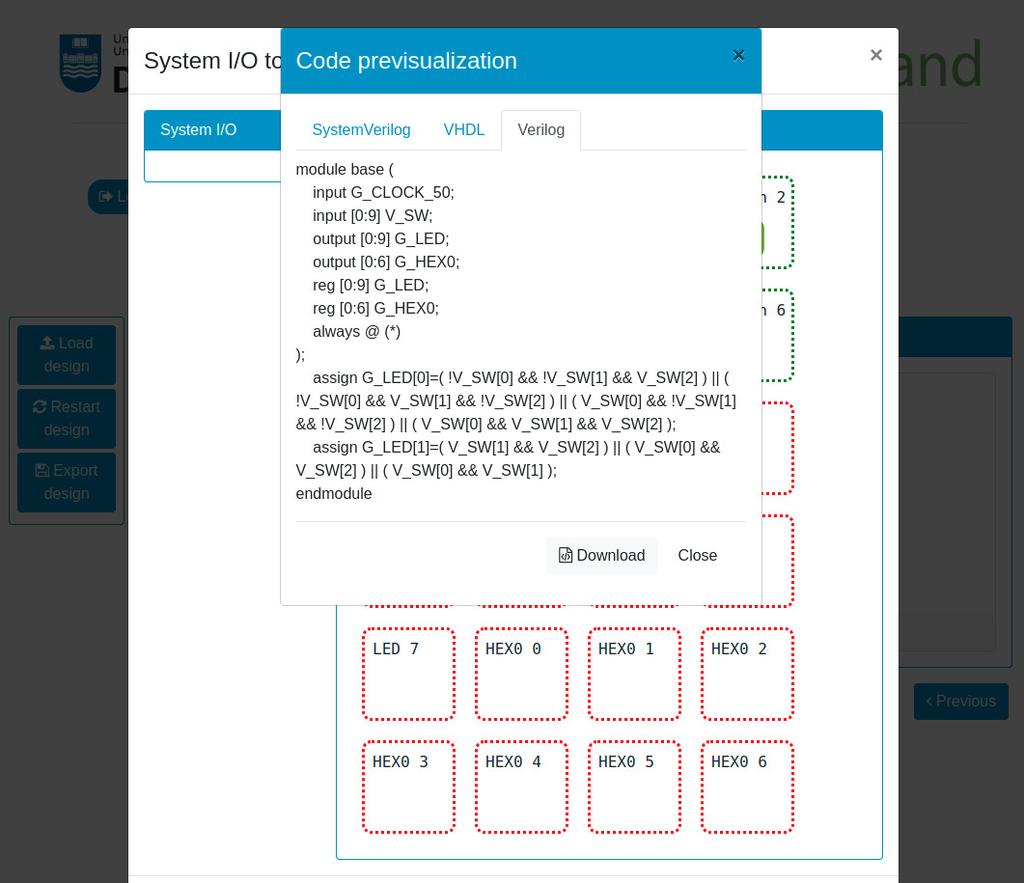
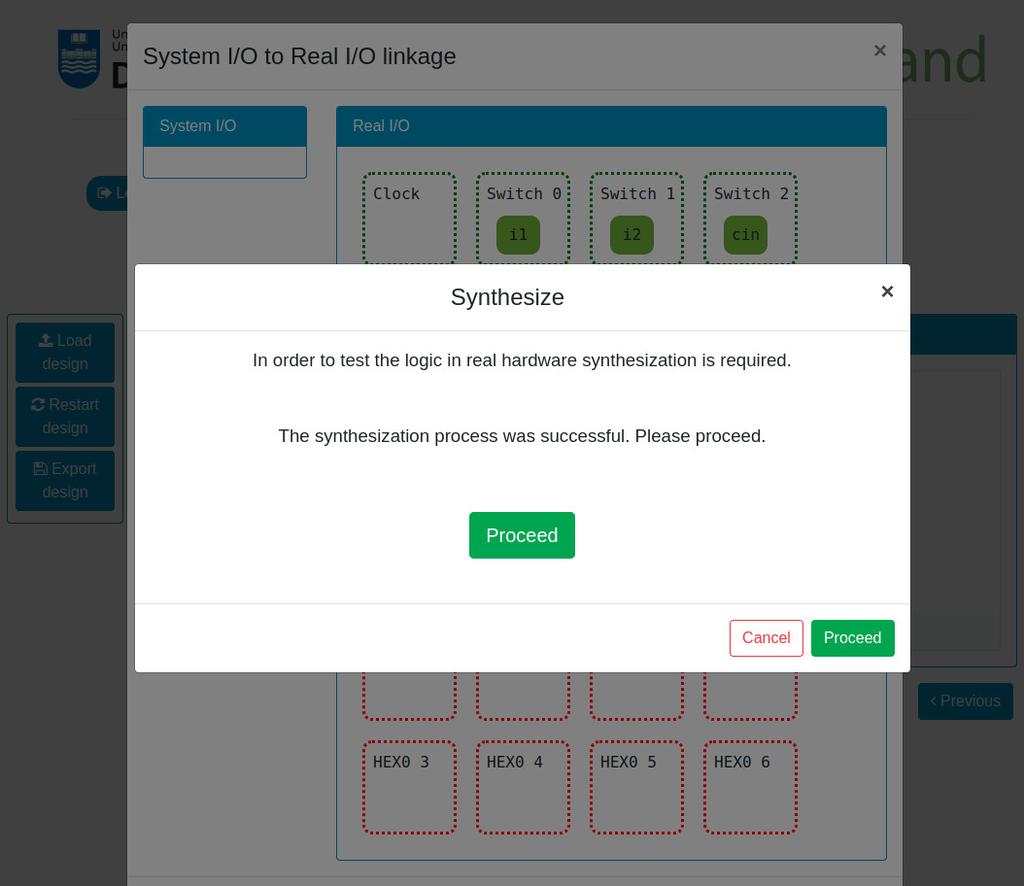
You will be able to design Combinational Systems by designing and filling a truth table, use Boolean Algebra, create Karnaugh–Veitch (KV or VK) maps, and try the systems that you create in real remote hardware (Intel FPGAs).

Digital Trainer
Summary
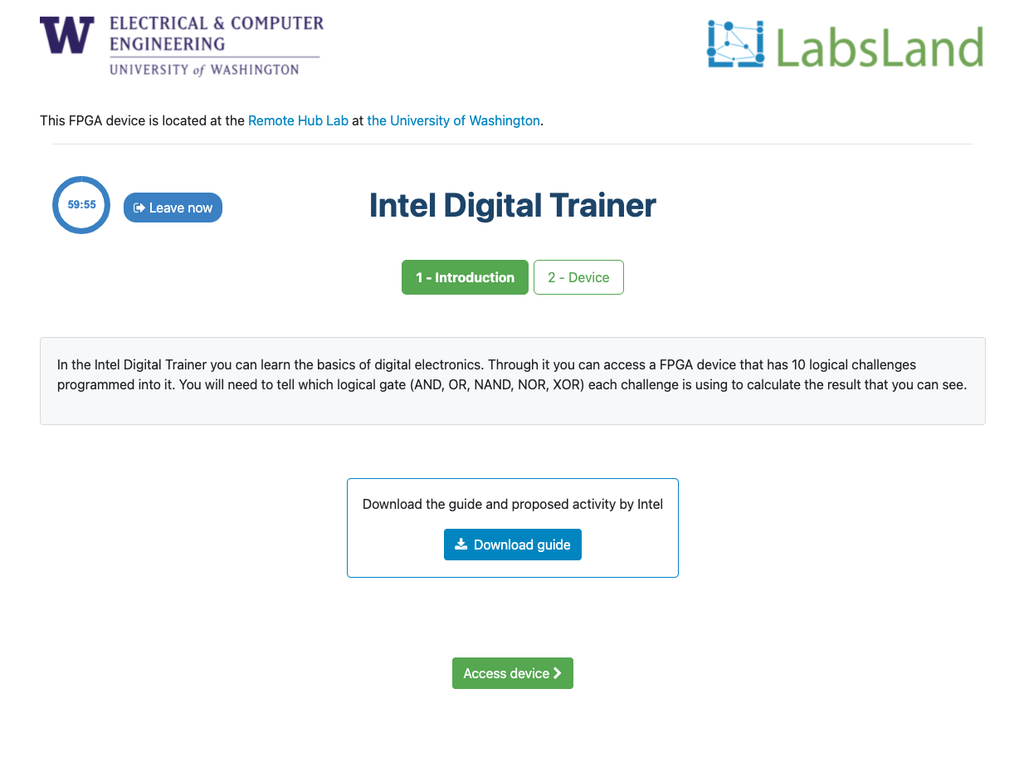
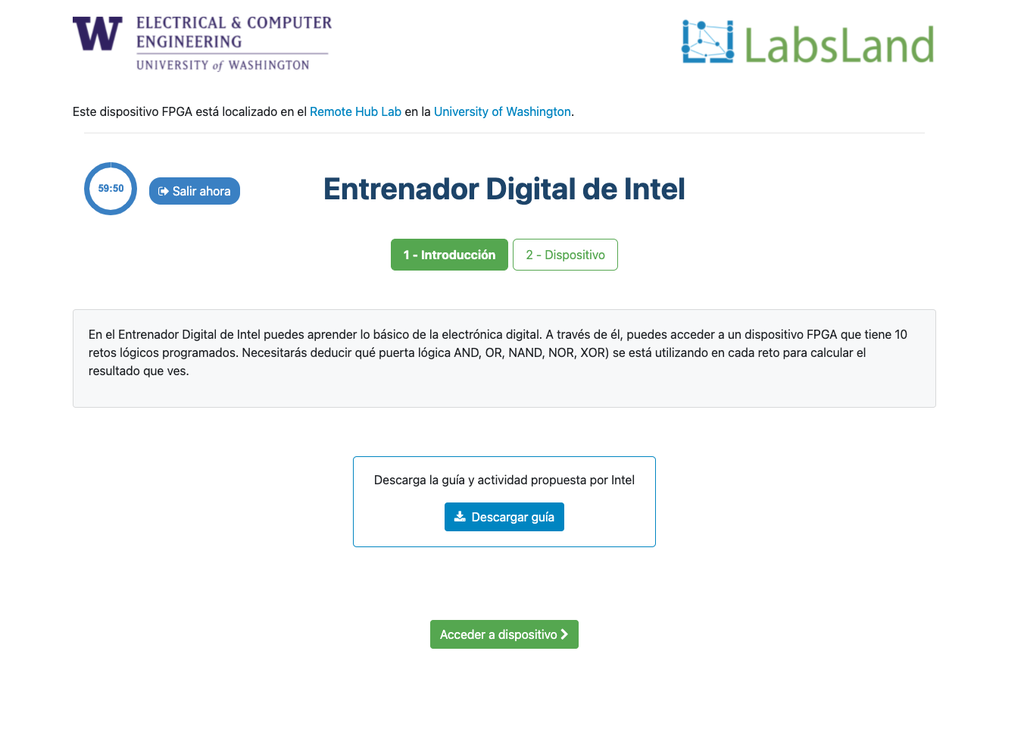
The Digital Trainer laboratory is designed towards students that are starting with digital logic, truth tables and Boole's Algebra.
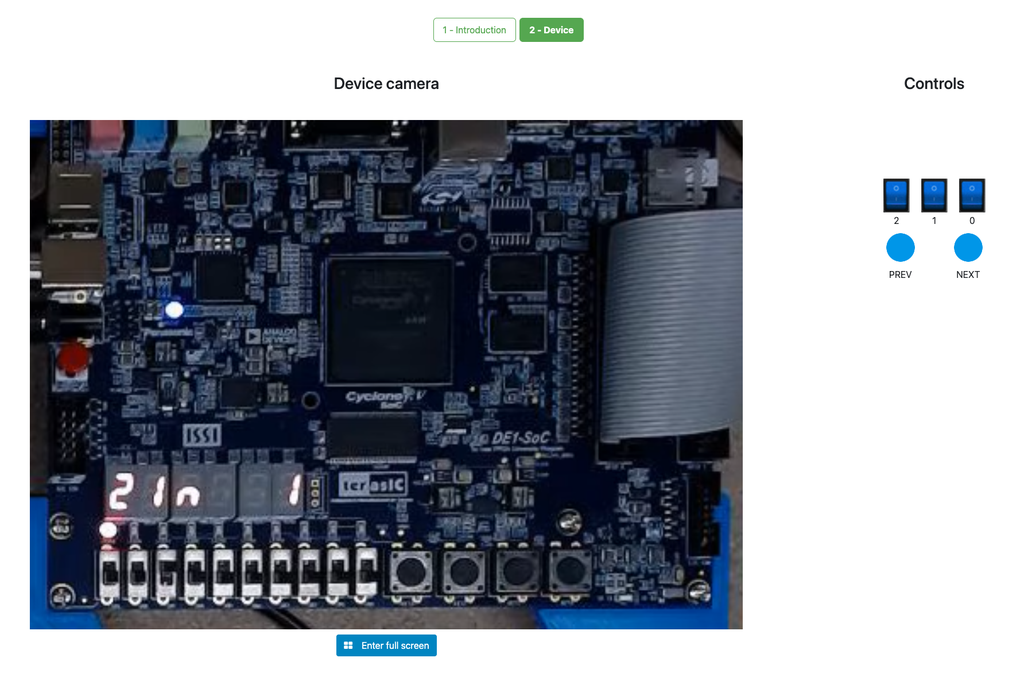
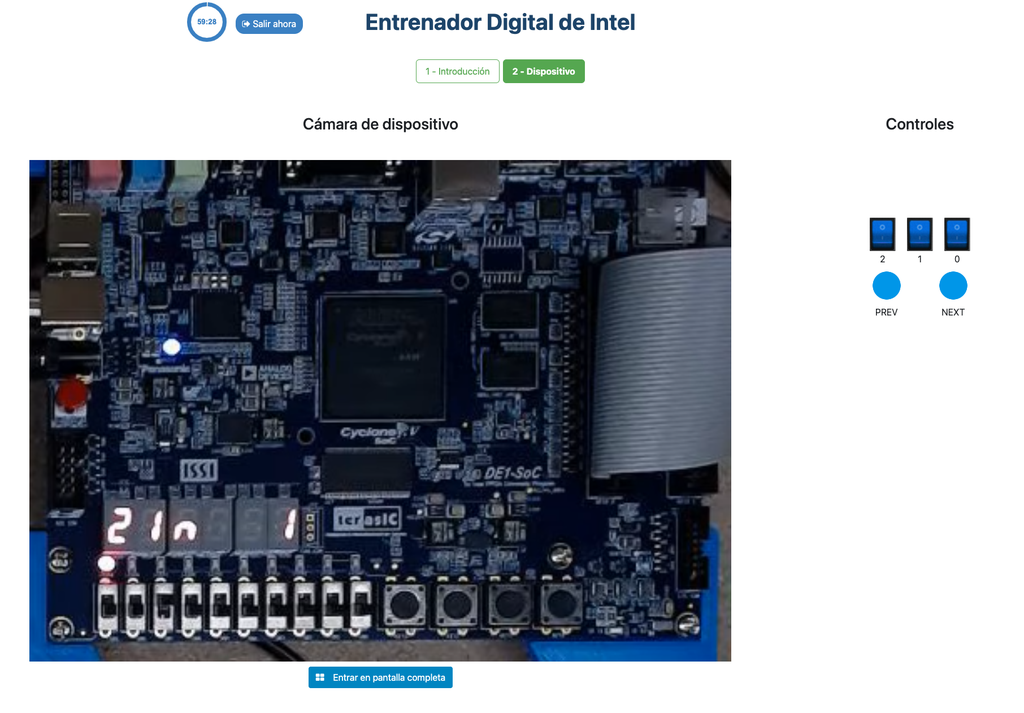
During the activity, the student sees an Intel FPGA that implements a series of simple truth tables. The student can interact with the FPGA devices to vary the inputs to the system through switches, and observe the outputs through LEDs. The challenge is to determine which logical operator the FPGA implements in each case (e.g. AND, NAND...).
Further details
The activity is designed to be relatively simple and straightforward, but at the same time to be engaging for the students. It is designed in a game-like style, and it is based in real hardware (FPGAs). That way, it is not only useful to introduce and obtain familiarity with digital logic, but also it allows students to start seeing the future uses of that knowledge, interacting in a superficial way with FPGA devices, of the same kind that are used in industry.
Interaction with the FPGA devices does not add complexity, since students don't need to program them; they already implement a black box logic (which is precisely the point of the activity).
The laboratory is originally based in an activity that Intel Corporation frequently conducts in its seminars, both hands-on and remote, using their Intel DE1-SoC, Intel DE2-115, or other types of FPGAs.
FPGA Laboratory
Learn Hardware design with real FPGAs!
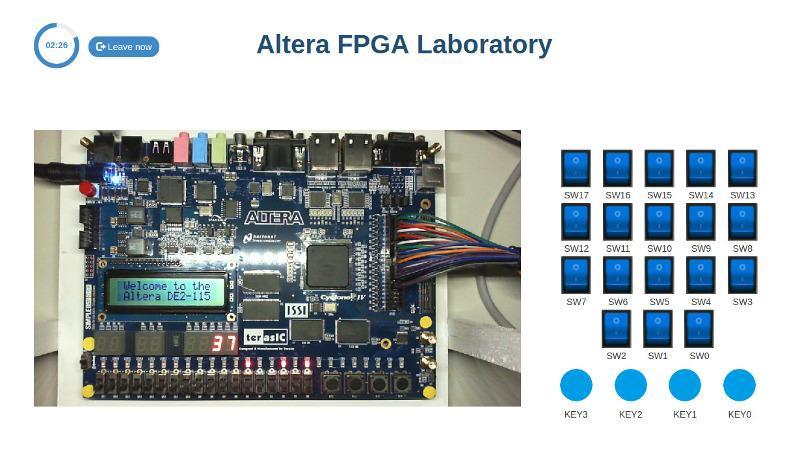
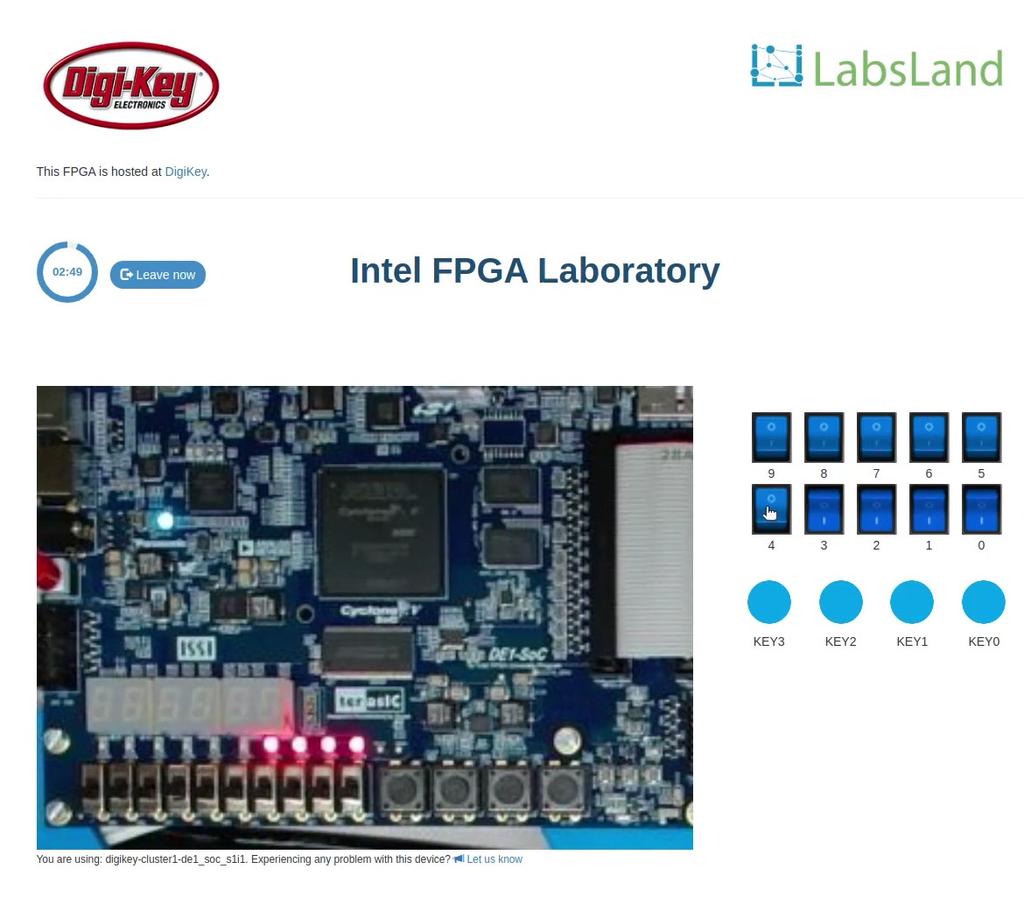
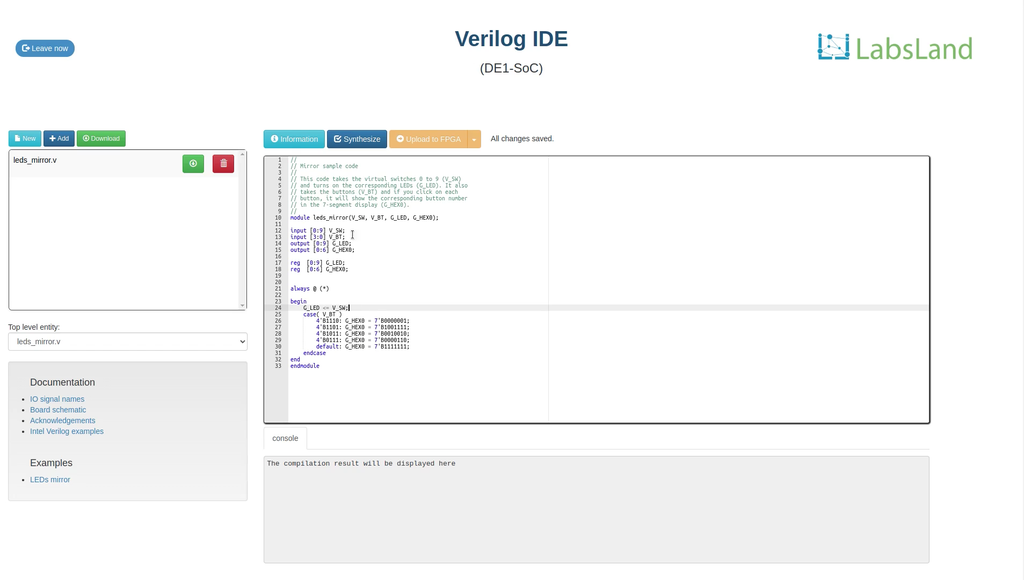
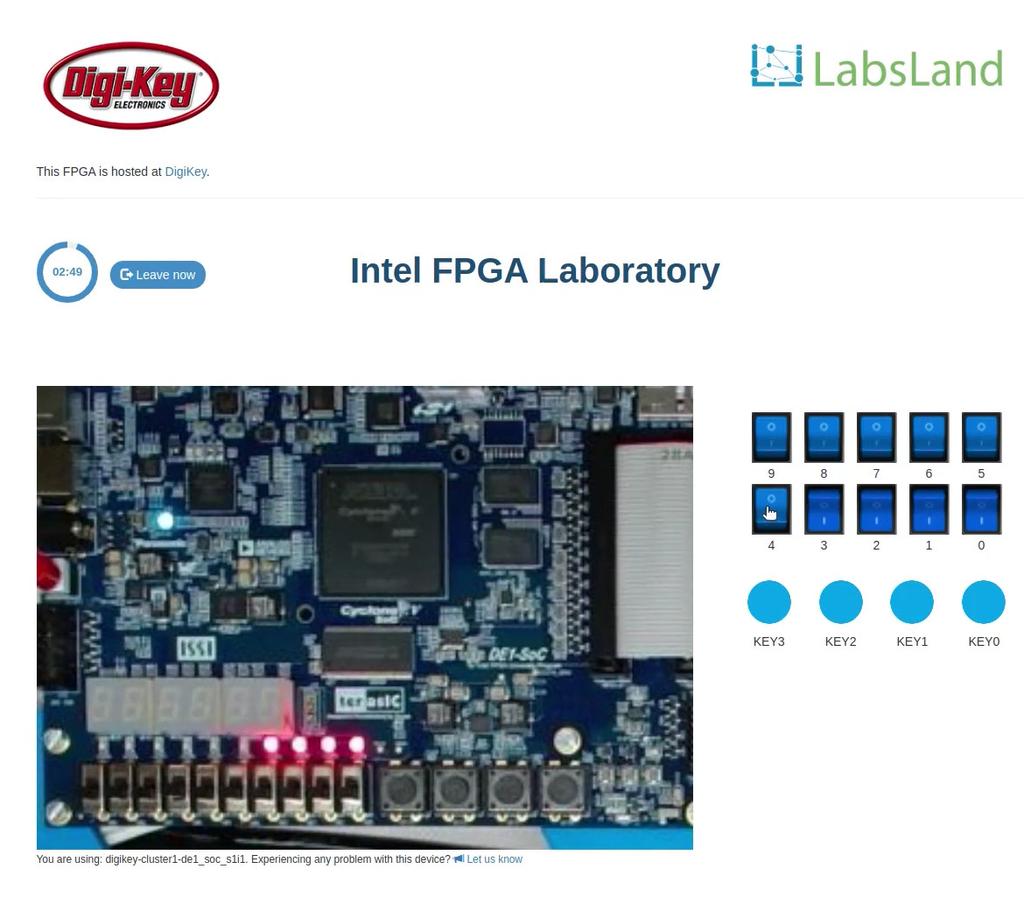
In this laboratory, you can learn how to program using two Hardware Design Languages: VHDL or Verilog, and test your code in one of our multiple boards available. Every FPGA has a set of components already place, such as 10 LEDs, 6 7-segment displays or multiple clocks. In addition, you will have access to 10 virtual switches and 4 virtual buttons that you can use in your design and that you will see when interacting with the real hardware.
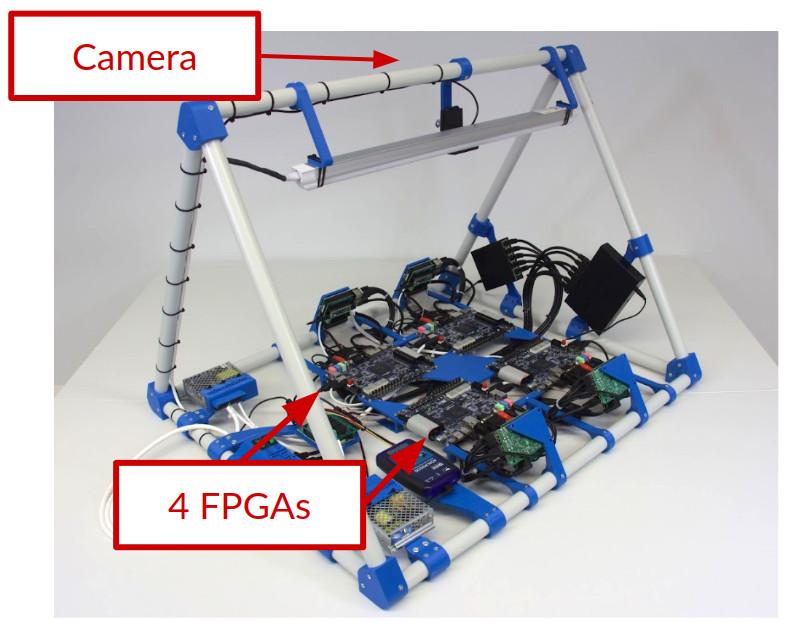
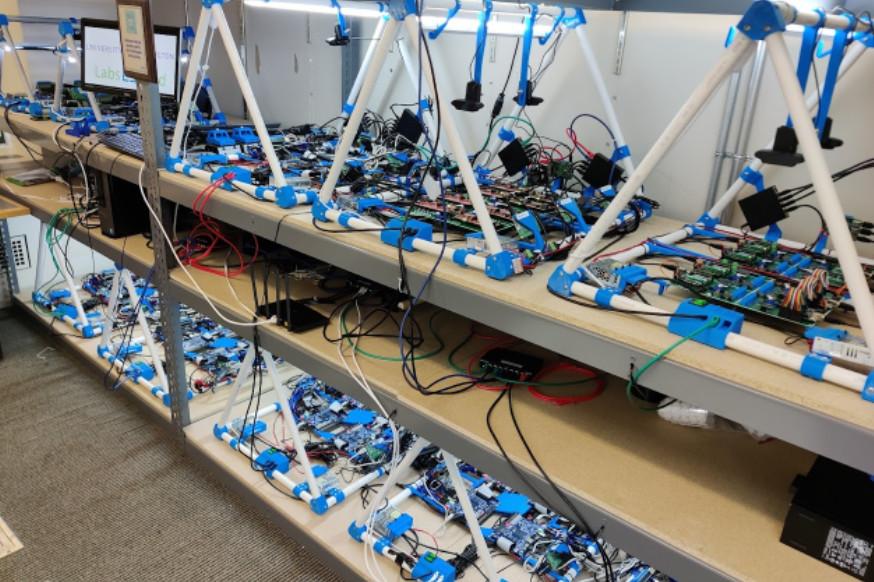
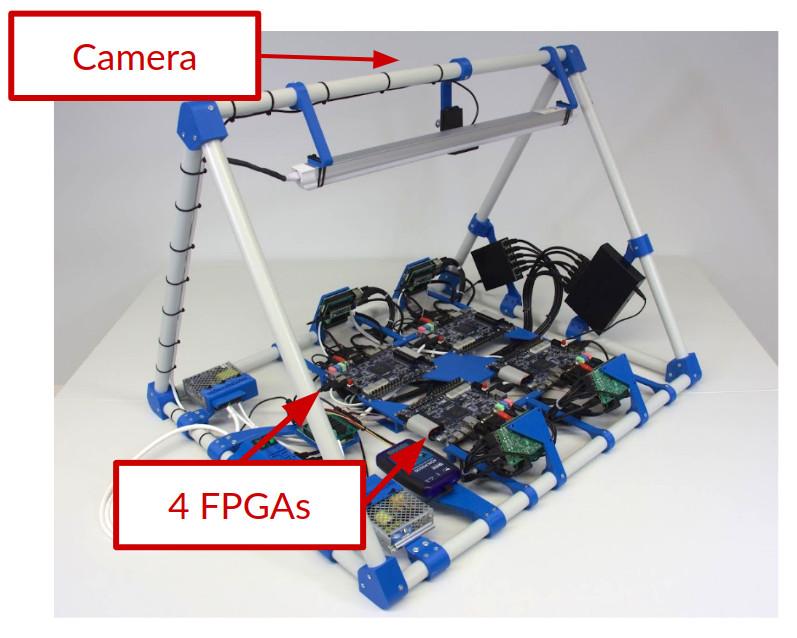
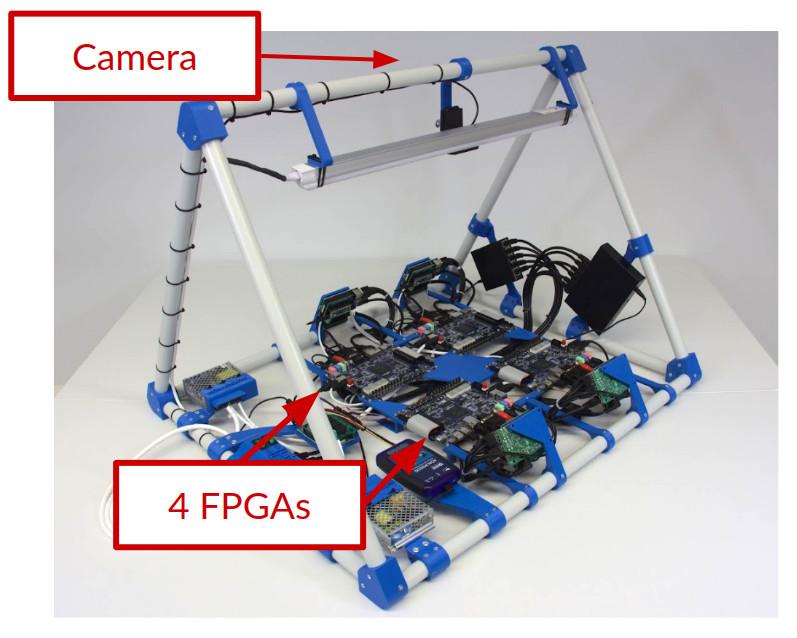
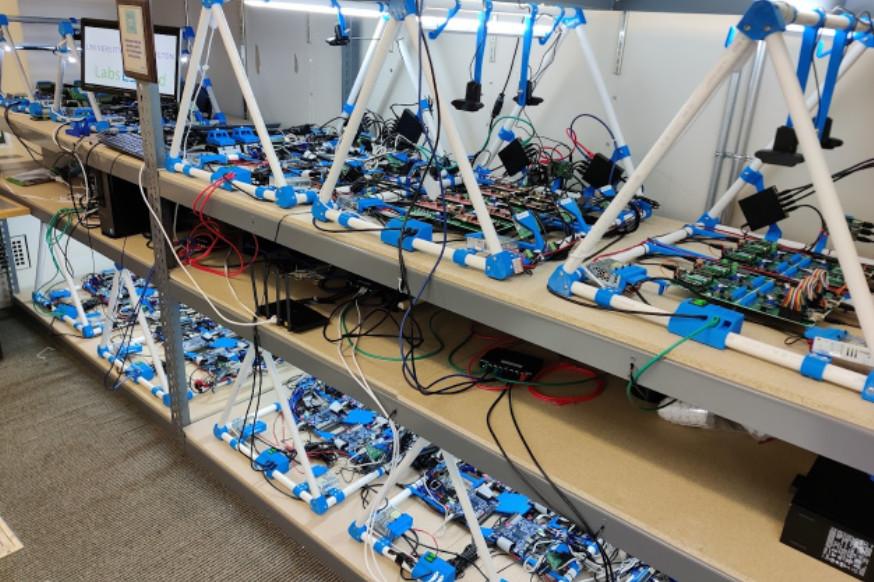
Whenever you synthesize your code, you will be assigned to a particular board (such as Terasic DE2-115 or Terasic DE1-SoC or others), and you will be able to send your code to one of the available boards and to turn on and off the switches or press the buttons and see how your design behaves. The boards are located in different universities, as you will see when using each board.
In this laboratory, you do not need any software or hardware installed in your computer, tablet or phone.
DE1-SoC
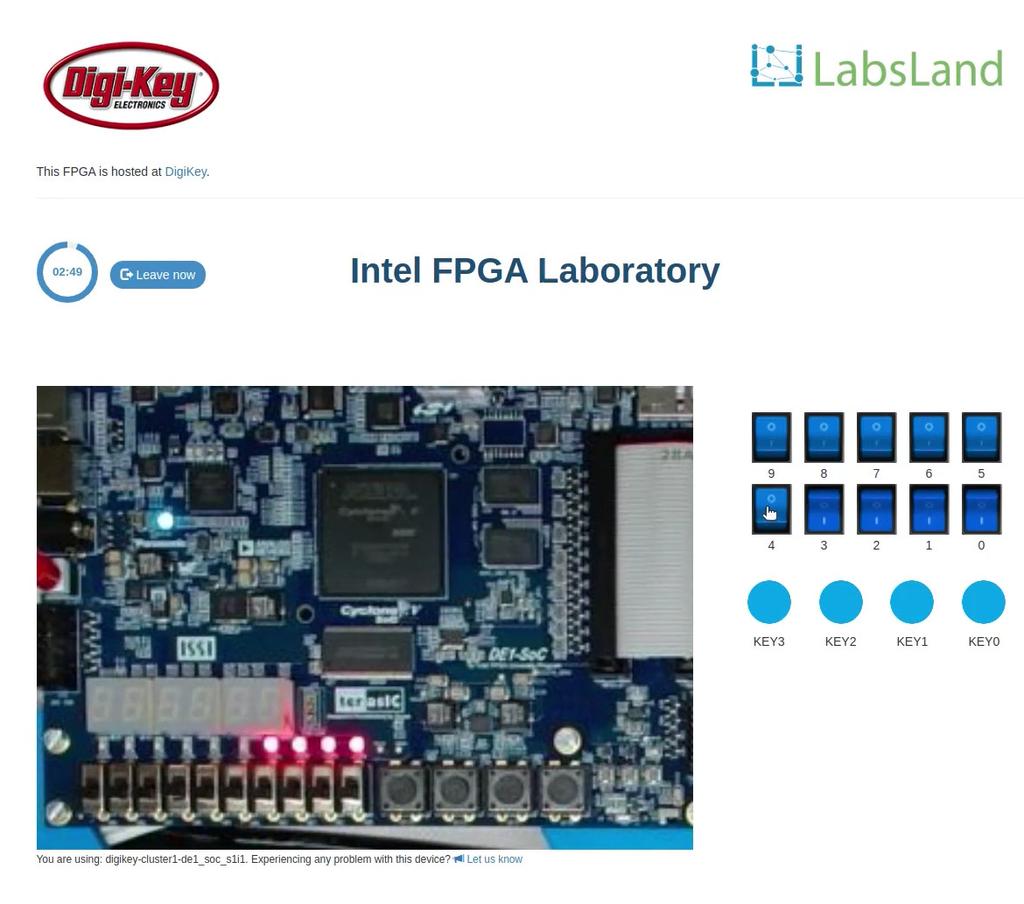
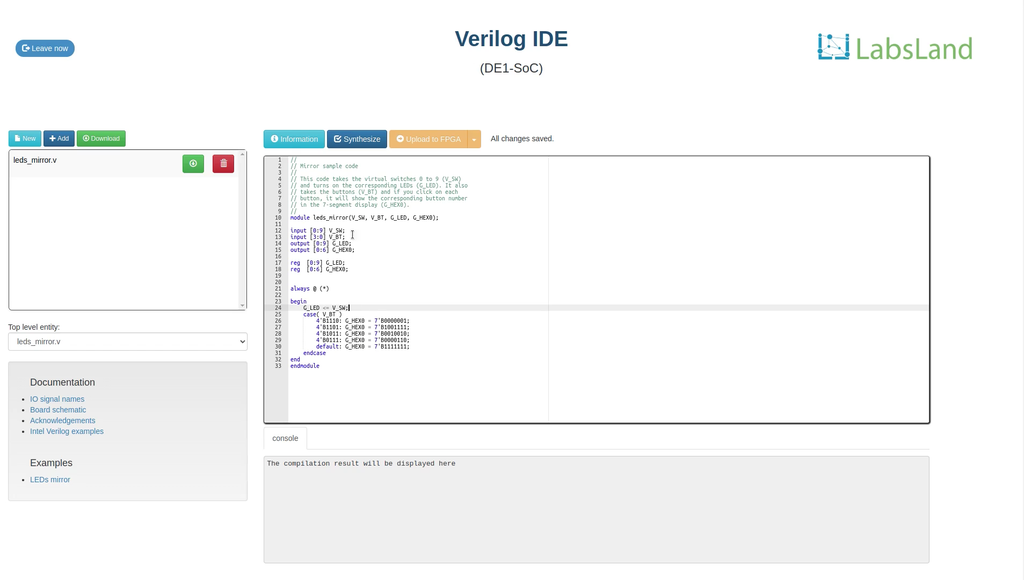
ব্রাউজারে আপনার ডিজাইন লিখে কম্পাইল করুন, তারপর একটি বাস্তব DE1-SoC বোর্ডে পরীক্ষা করুন। সরাসরি ক্যামেরায় LED ও সাত-সেগমেন্ট ডিসপ্লে দেখুন এবং ভার্চুয়াল সুইচ ও বোতাম দিয়ে নিয়ন্ত্রণ করুন।
UART ব্যবহার করতে, স্ট্যান্ডার্ড ইন্টারফেস বেছে নিয়ে প্রবেশের আগে UART সিরিয়াল টার্মিনাল চালু করুন। UART সেশনগুলো সামঞ্জস্যপূর্ণ বোর্ড ব্যবহার করে।
DE1-SoC (বাইনারি আপলোড)
Quartus-এ আপনার FPGA ডিজাইন তৈরি করে কম্পাইল করুন, তারপর .sof ফাইলটি এখানে আপলোড করুন। সরাসরি প্রবেশের জন্য স্ট্যান্ডার্ড ইন্টারফেস বেছে নিন, অথবা অন্য উপলভ্য নিয়ন্ত্রণ ও সিমুলেশন ব্যবহার করতে প্রবেশের আগে একটি ইন্টারফেস নির্বাচন করুন।
UART ব্যবহার করতে, স্ট্যান্ডার্ড ইন্টারফেস বেছে নিয়ে প্রবেশের আগে UART সিরিয়াল টার্মিনাল চালু করুন। UART সেশনগুলো সামঞ্জস্যপূর্ণ বোর্ড ব্যবহার করে।
Intel DE2-115 (no IDE)
Learn Hardware design with FPGAs using Terasic DE2-115!
In this laboratory, you can learn how to program using two Hardware Design Languages: VHDL or Verilog, and test your code in a real Terasic DE2-115 FPGA. The FPGA has a set of components already place, such as LEDs, 7-segment displays or multiple clocks. In addition, you will have access to 18 virtual switches and 4 virtual buttons that you can use in your design and that you will see when interacting with the real hardware. This way, you will be able to turn on and off the switches or press the buttons and see how your design behaves. The boards are located in different universities, as you will see when using each board.
In this laboratory, you do not need any software or hardware installed in your computer, tablet or phone.