LabsLand FPGA Community
FPGA Laboratory
Learn Hardware design with FPGAs using any LabsLand FPGA
- Codeide
- リアルタイムラボ
- University & College
ラボ情報
Learn Hardware design with real FPGAs!
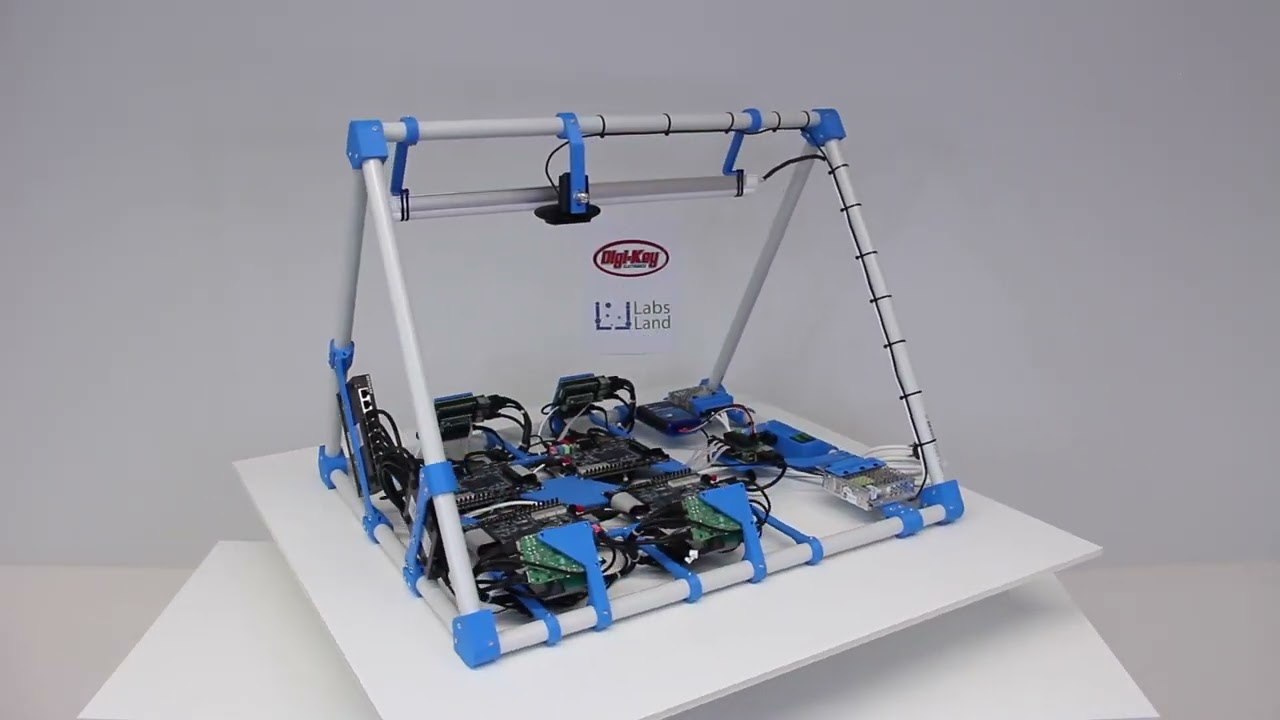
In this laboratory, you can learn how to program using two Hardware Design Languages: VHDL or Verilog, and test your code in one of our multiple boards available. Every FPGA has a set of components already place, such as 10 LEDs, 6 7-segment displays or multiple clocks. In addition, you will have access to 10 virtual switches and 4 virtual buttons that you can use in your design and that you will see when interacting with the real hardware.
Whenever you synthesize your code, you will be assigned to a particular board (such as Terasic DE2-115 or Terasic DE1-SoC or others), and you will be able to send your code to one of the available boards and to turn on and off the switches or press the buttons and see how your design behaves. The boards are located in different universities, as you will see when using each board.
In this laboratory, you do not need any software or hardware installed in your computer, tablet or phone.
学生がやること
実際の装置を操作し、測定値から推論します。
- 推奨レベル
- University & College
- 典型的なアクセスモデル
- Codeide, リアルタイムラボ
- 対応環境
- 学校、大学、家庭のコンピューター上の最新の Web ブラウザー。
- 教育用途
- 課題、デモンストレーション、LMS に関連したアクティビティ、およびリモートでの実習に適しています。
利用可能な実験
ブラウザから実際のラボをご利用いただけます。
FPGA Laboratory は、ラボのメイン アクセス ポイントを通じて利用できます。